If your Nikon camera strap is loose, twisted, or broken, it can make carrying your camera uncomfortable and risky. A properly fixed camera strap protects your gear and gives you peace of mind while shooting. Whether you’re new to photography or just got a new strap, knowing how to fix it right is important. Here’s a simple guide to help you attach, adjust, or fix your Nikon camera strap so your camera is safe and ready for any adventure.
Table of Contents
How To Attach Or Fix Your Nikon Camera Strap
Most Nikon cameras use a standard strap attachment system. Follow these steps to secure your strap:
- Locate the strap eyelets on both sides of your camera body.
- Thread the strap end through the plastic fastener (keeper) if it’s not already attached.
- Pass the strap through the camera eyelet from the bottom up.
- Pull the strap back through the plastic fastener. Make sure the strap lays flat, with no twists.
- Adjust the length and slide the keeper over any excess strap.
- Repeat on the other side.
A common mistake is skipping the plastic fastener, which can make the strap slip during use. Double-check both sides after attaching.
Common Issues And Simple Fixes
Even with careful use, problems may happen. Here’s how to solve them:
| Problem | Solution |
|---|---|
| Strap feels twisted | Remove and re-thread, ensuring the strap is flat all the way. |
| Plastic fastener slides loose | Re-thread the strap to create extra friction or tie a small knot at the end. |
| Strap is too long/short | Adjust the length using the plastic fastener for a snug fit. |
| Fraying ends | Trim with scissors, then carefully melt with a lighter to prevent more fraying. |
If your strap is old or damaged, consider replacing it. Third-party straps may also offer extra features like padding or quick-release clips.

Credit: www.youtube.com
Quick Comparison: Nikon Stock Strap Vs Aftermarket Strap
| Feature | Nikon Stock Strap | Aftermarket Strap |
|---|---|---|
| Durability | Good | Varies (some better, some worse) |
| Comfort | Basic | Often padded or wider |
| Price | Included | Usually $10–$30 |
| Style Options | Limited | Many colors/designs |
Many users find that aftermarket straps offer better comfort for long shoots.
Extra Tips For A Secure Nikon Camera Strap
- Check your strap’s attachment points every few weeks.
- For heavy cameras, use a neck pad or shoulder pad for extra comfort.
- Avoid carrying your camera by just one strap end—it doubles the risk if a fastener fails.
- Before hiking or traveling, give a gentle tug on both sides to test security.
- If you want a new strap, check out the official Nikon camera strap page for compatible options.
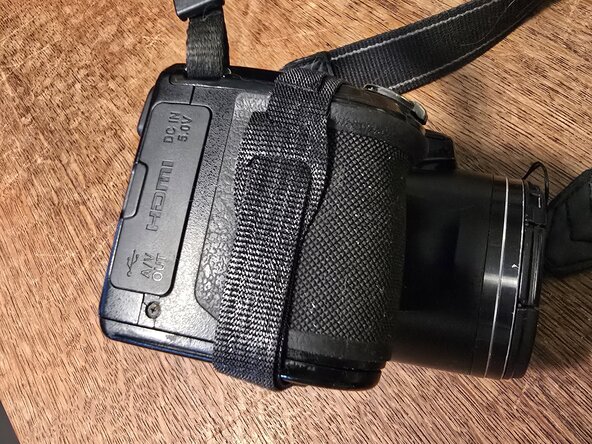
Credit: www.ifixit.com
Frequently Asked Questions
How Do I Know If My Nikon Strap Is Attached Correctly?
Check that both strap ends are flat, secure, and have passed through the fasteners. The strap should not slip or twist.
Can I Use Non-nikon Straps On My Nikon Camera?
Yes, most straps fit standard eyelets. Just make sure the strap supports your camera’s weight.
What Should I Do If My Strap Keeps Sliding Loose?
Re-thread it with more overlap through the fastener, or try a different strap with better grip.
Is It Safe To Trim Frayed Strap Ends?
Yes, but use sharp scissors and seal the ends with a lighter to stop more fraying.
How Often Should I Replace My Camera Strap?
Replace your strap if you notice cracks, heavy fraying, or if the plastic fasteners are worn or damaged. For regular use, check every 1–2 years.
A secure strap lets you focus on photography, not worrying about your camera’s safety. Take a few minutes to fix it right, and you’ll enjoy every shoot with confidence.