Using a flash on your camera can transform dull photos into vibrant, professional-looking images. Many beginners avoid flash, thinking it will ruin their shots. In reality, a well-used flash can add detail, reduce shadows, and improve color. Understanding when and how to use your camera’s flash is key to better photography—whether you’re capturing people indoors or shooting at night.
Table of Contents
Types Of Camera Flash
There are two main types of flash:
- Built-in flash: Found on most cameras, pops up automatically or with a button.
- External flash (Speedlight): Attaches to your camera’s hot shoe, offers more power and flexibility.
Some cameras also support wireless flash units, letting you position light off-camera for creative effects.
| Flash Type | Power | Flexibility | Cost |
|---|---|---|---|
| Built-in | Low | Limited | Free |
| External | High | High | Extra |
Basic Flash Settings And Controls
Before taking photos, explore your camera’s flash settings:
- Auto flash: The camera decides when to fire the flash.
- Fill flash: Forces the flash to fire, even in daylight, to soften harsh shadows.
- Red-eye reduction: Reduces eye shine in portraits.
- Manual flash: Lets you control flash power and direction.
Most external flashes let you tilt and rotate the head. Bouncing light off a ceiling or wall gives a softer look, avoiding harsh shadows on faces.
| Setting | Best Use |
|---|---|
| Auto | Everyday snapshots |
| Fill | Outdoor portraits |
| Manual | Creative control |
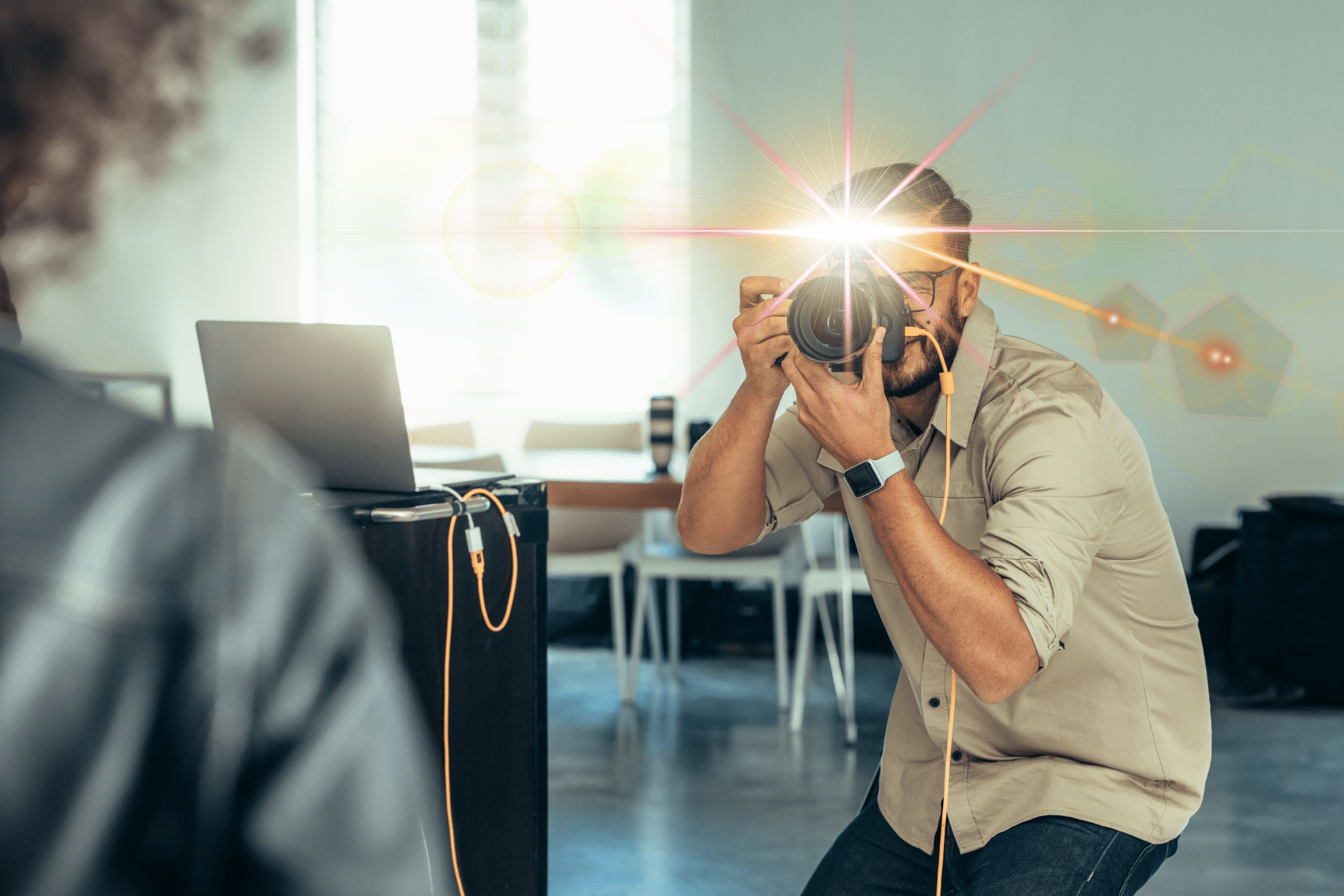
Credit: store.bandccamera.com
How To Use Flash Effectively
- Soften the light: Avoid direct flash for portraits. Use a diffuser or bounce the light for natural results.
- Balance exposure: Combine flash with ambient light. Lower your flash power and raise ISO or use a slower shutter speed.
- Watch flash distance: Most flashes are effective within 10–15 feet (3–5 meters). Too far, and the subject may be dark.
- Avoid overexposure: If faces are too bright, reduce flash power or step back.
- Experiment with angles: Try side or overhead flash positions for dramatic effects.
A common mistake is relying only on automatic settings. Learning to adjust flash power and direction gives you better control. Another overlooked tip: use flash outdoors on sunny days to fill in harsh shadows, especially under hats or tree shade.
Real-world Example
Imagine taking a group photo indoors at night. Without flash, everyone’s faces are dark and grainy. With a bounced external flash, the image is bright, clear, and colors look true to life. Mastering flash use can make this difference.
For more in-depth technical details, you can check Wikipedia’s Flash Photography page.

Credit: www.digitalphotomentor.com
Frequently Asked Questions
How Do I Stop Red-eye In Flash Photos?
Use your camera’s red-eye reduction mode or ask your subject not to look directly at the flash.
Can I Use Flash Outdoors?
Yes, fill flash helps balance strong sunlight and removes harsh shadows, especially for portraits.
What Is Flash Sync Speed?
Flash sync speed is the fastest shutter speed your camera can use with flash. It’s usually between 1/200 and 1/250 second.
Why Do My Flash Photos Look Unnatural?
Direct flash creates harsh shadows and flat light. Try bouncing the flash or using a diffuser.
When Should I Avoid Using Flash?
Avoid flash in museums, concerts, or where it’s not allowed. Also, use natural light when possible for more authentic results.
Using flash is more than just pressing a button. With practice, you’ll see how it can enhance your photography in both simple and creative ways.