Mounting a Blink Outdoor Camera is a simple way to improve your home security. With clear steps and a few smart tips, you can set up your camera in less than 30 minutes. Many users worry about getting the angle right or making the camera stable.
This guide helps you avoid common mistakes and shows exactly how to mount your Blink Outdoor Camera for the best results.
Table of Contents
Choosing The Right Location
Where you place your camera matters. The Blink Outdoor Camera is weather-resistant and works well in different climates. For best coverage:
- Place the camera at least 8 feet above the ground.
- Keep it within 100 feet of your Wi-Fi router for a strong signal.
- Avoid pointing it directly at the sun to reduce glare.
Here is a quick comparison between different mounting heights:
| Mounting Height | Field of View | Motion Detection |
|---|---|---|
| 6 ft | Limited | Good |
| 8 ft | Wide | Best |
| 10 ft | Wide | Reduced |
Mounting at 8 feet gives you the widest field of view and the best motion detection.
What You Need
Before you start, gather these items:
- Blink Outdoor Camera
- Mounting bracket (included with the camera)
- Screws and anchors (included)
- Screwdriver or drill
- Smartphone (for camera setup)
Blink cameras use AA lithium batteries that last up to 2 years. Make sure your batteries are installed before mounting.

Credit: support.blinkforhome.com
Mounting Steps
Follow these steps for secure installation:
- Hold the mounting bracket against the wall or surface.
- Use a pencil to mark the screw holes.
- Drill holes if mounting on brick, concrete, or wood.
- Insert anchors if needed.
- Screw the bracket tightly to the surface.
- Attach the Blink camera to the bracket.
- Adjust the angle for best coverage.
After mounting, check the live feed on your smartphone. Make small changes if needed to get the perfect view.
Here’s a quick comparison of mounting surfaces:
| Surface | Ease of Installation | Stability |
|---|---|---|
| Wood | Easy | High |
| Brick | Moderate | High |
| Vinyl | Easy | Medium |
Wood and brick offer the most stable mounting.
Extra Tips For Success
- Test the Wi-Fi signal strength at your chosen spot before mounting.
- Use the Blink app’s “Live View” feature to check the camera angle.
- Avoid mounting near metal objects, which can block the signal.
- If you live in a rainy area, place the camera under an eave or overhang.
Many beginners forget to test the camera feed before finalizing the mount, leading to poor coverage.
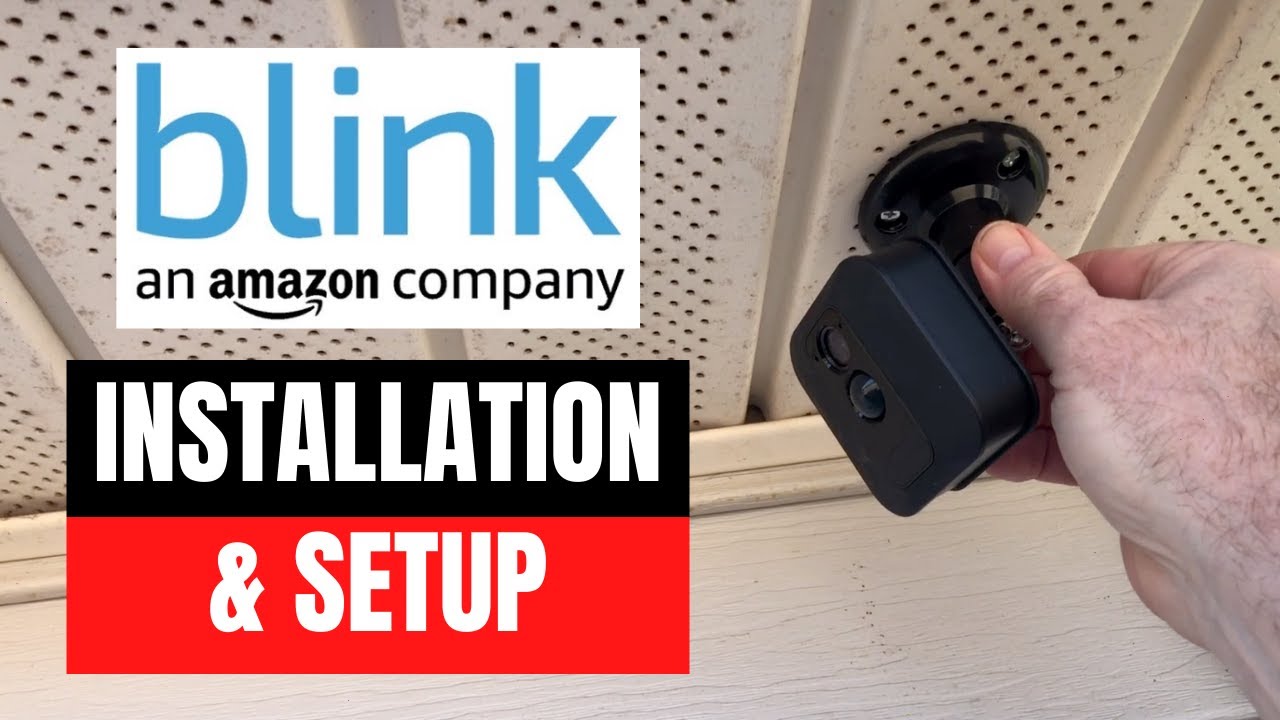
Credit: www.youtube.com
Frequently Asked Questions
How Long Do Blink Outdoor Camera Batteries Last?
Blink Outdoor Cameras use AA lithium batteries that can last up to 24 months.
Can I Mount The Camera Upside Down?
Yes, but you must adjust the camera orientation in the Blink app for proper video.
Is The Blink Outdoor Camera Waterproof?
The camera is weather-resistant, but not fully waterproof. It’s safe for rain but not for submersion.
How Do I Improve Wi-fi Signal For My Camera?
Place the camera closer to your router or use a Wi-Fi extender. For more details, visit Blink Support.
What If My Camera Is Not Detecting Motion?
Check the camera’s angle, height, and app settings. Make sure there are no obstructions blocking its view.
With the right location, tools, and tips, your Blink Outdoor Camera will help keep your home safe and secure. Taking a few extra minutes to test angles and signal strength pays off in clear video and reliable alerts.