Mounting a Ring Stick Up Camera is a smart way to boost your home security. This device gives you live video and two-way talk, helping you watch over your property from anywhere. If you are new to DIY projects, don’t worry.
With some basic tools and the right steps, you can install your camera in less than 30 minutes.
Table of Contents
What You Need
Before starting, check that you have:
- Ring Stick Up Camera (battery, plug-in, or solar model)
- Mounting bracket and screws (included in the box)
- Screwdriver or drill
- Wi-Fi connection
- Smartphone with the Ring app
Many people forget to fully charge the battery before mounting. Doing this first prevents the hassle of taking down the camera later.
Where To Mount Your Camera
Choosing the right spot is key for clear footage and a strong connection. Most users install it:
- 6-8 feet above the ground for a wide view
- Near entry points like doors or garages
- Under an eave for weather protection
Avoid pointing the camera directly at bright lights or moving branches, as these can trigger false alerts.
Here’s a quick comparison of indoor vs. outdoor mounting:
| Location | Best For | Considerations |
|---|---|---|
| Indoor | Monitoring rooms, hallways | Less weather protection needed |
| Outdoor | Watching driveways, yards | Must be weather-resistant |
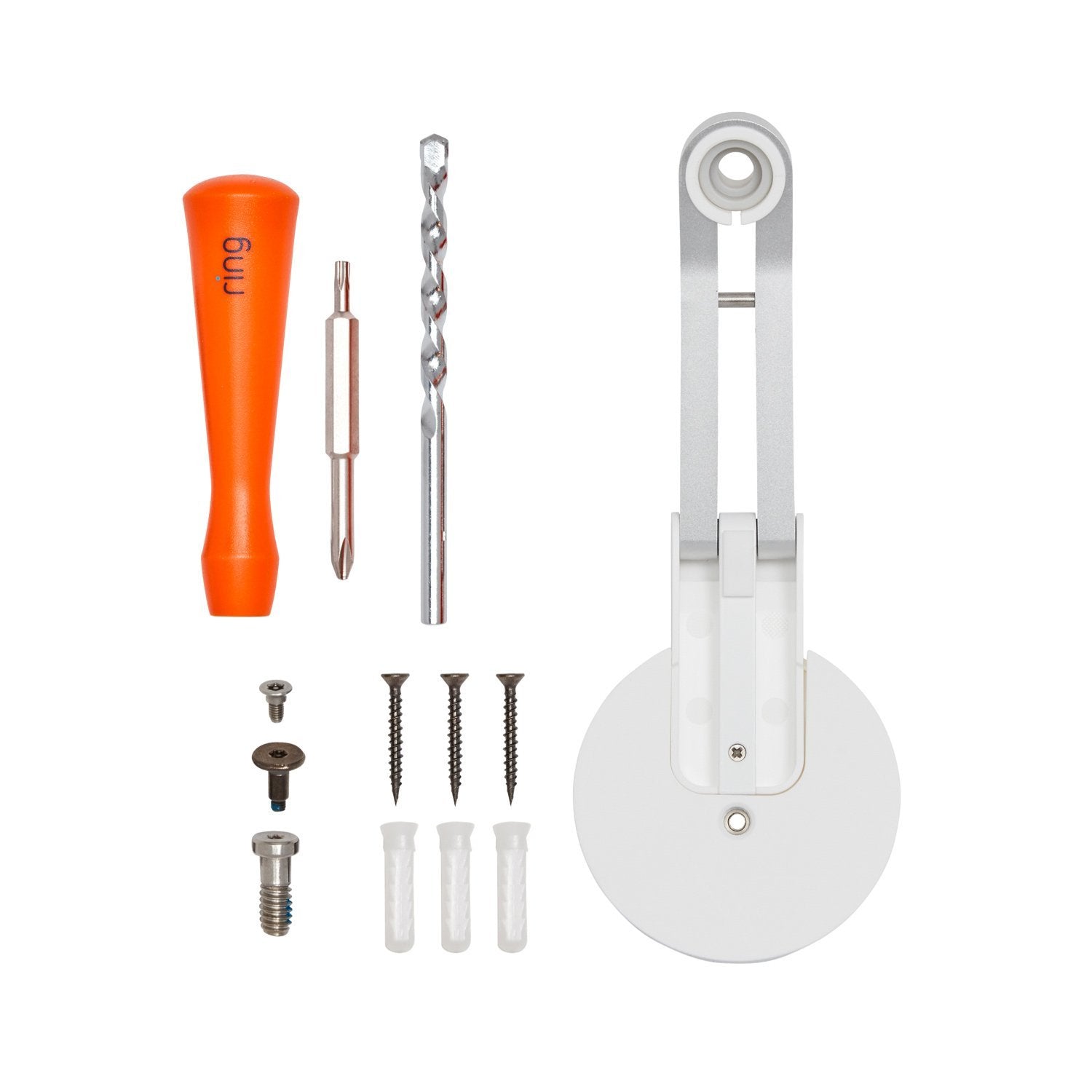
Credit: ring.com
Step-by-step Mounting Guide
- Mark the spot: Hold the mounting bracket where you want to install the camera. Mark the screw holes with a pencil.
- Drill holes: Use a drill (or screwdriver for soft surfaces) to make holes. For masonry, use wall anchors.
- Attach the bracket: Secure it with the provided screws.
- Connect the camera: Slide or snap the Ring Stick Up Camera onto the bracket. Make sure it clicks into place.
- Angle the camera: Adjust for the best view. Open the Ring app to check the live feed and fine-tune as needed.
If using a wired model, be sure the power cable reaches your outlet. For battery or solar models, remember to check battery life often.
Here’s a table comparing the three power options:
| Type | Pros | Cons |
|---|---|---|
| Battery | Flexible placement | Needs recharging |
| Plug-In | No recharging needed | Must be near outlet |
| Solar | Eco-friendly, low maintenance | Needs sunlight |
After Mounting
Connect the camera to Wi-Fi through the Ring app. Run a test to be sure you get alerts and clear video. Fine-tune the motion settings to avoid too many notifications.
A common mistake is ignoring the camera’s field of view. Always check the live feed before finishing so you don’t miss blind spots.
If you need more details, visit the Ring Help Center.

Credit: www.youtube.com
Frequently Asked Questions
How High Should I Mount My Ring Stick Up Camera?
Mount it 6-8 feet above the ground for the best view and motion detection.
Can I Install The Camera Without Drilling Holes?
Yes, but using screws is safest. Double-sided tape may not hold well outdoors.
Does The Camera Work At Night?
Yes, the camera has infrared night vision for clear images in the dark.
How Do I Connect It To My Wi-fi?
Use the Ring app and follow the setup instructions. Make sure your Wi-Fi signal is strong at the mounting location.
Can I Move The Camera After Installing?
Yes, but you’ll need to remove and reattach the mounting bracket in the new spot.