A camera gimbal keeps your shots smooth, even if your hands move. But when it stops working right, your footage can get shaky or the gimbal may not move at all. Fixing a gimbal isn’t always hard—many problems can be solved at home with simple tools and patience.
Here’s how to get your camera gimbal working again, step by step.
Table of Contents
Common Camera Gimbal Problems
Most gimbal issues fall into a few main categories:
- Not powering on
- Shaking or vibrating
- Unbalanced movement
- Connection errors with app
- Strange noises
Knowing the exact problem saves time when fixing. For example, if your gimbal won’t power on, you’ll check the battery first, not the motors.
Step-by-step Fixes For Gimbal Issues
1. Check Power And Battery
A dead or weak battery is a top cause of gimbal failure. Try these steps:
- Remove and recharge the battery fully.
- Inspect the battery contacts for dirt or corrosion.
- Replace the battery if it doesn’t hold charge.
2. Balance The Camera
Improper balance stresses the motors. Always balance the camera before turning on the gimbal:
- Mount your camera and lens.
- Adjust the arms until the camera stays level when you let go.
- If it tilts, shift the camera or adjust the gimbal arm sliders.
3. Firmware And App Updates
Gimbal manufacturers release updates to fix bugs and add features.
- Connect your gimbal to the app via Bluetooth or USB.
- Check for firmware updates.
- Install the latest version—old firmware can cause odd behavior.
4. Calibrate The Gimbal
Calibration resets the gimbal’s sensors. Most gimbals have a “calibrate” option in their app or on the device.
- Place the gimbal on a flat, stable surface.
- Start calibration from the app or menu.
- Wait until it finishes—don’t move the gimbal during this process.
5. Inspect For Mechanical Problems
If your gimbal still shakes, listen and look for obvious issues:
- Loose screws or parts
- Bent arms or axis
- Unusual grinding or clicking sounds
Tighten any loose screws gently. If you find broken parts, contact the manufacturer for replacements.

Credit: www.youtube.com
Quick Comparison: Diy Fix Vs. Professional Repair
Sometimes, fixing at home is enough. In other cases, you’ll need an expert. Here’s a quick comparison:
| DIY Fix | Professional Repair |
|---|---|
| Minor balance or calibration issues | Serious motor or circuit damage |
| Low or no extra cost | Costs $50–$200 on average |
| Can be done in minutes | Takes days to weeks |
Example: Symptoms And Solutions
Here’s how to match symptoms to the likely fix:
| Symptom | Likely Fix |
|---|---|
| Gimbal won’t start | Charge/replace battery |
| Camera tilts or drifts | Rebalance and recalibrate |
| Strange noises | Check for loose or damaged parts |
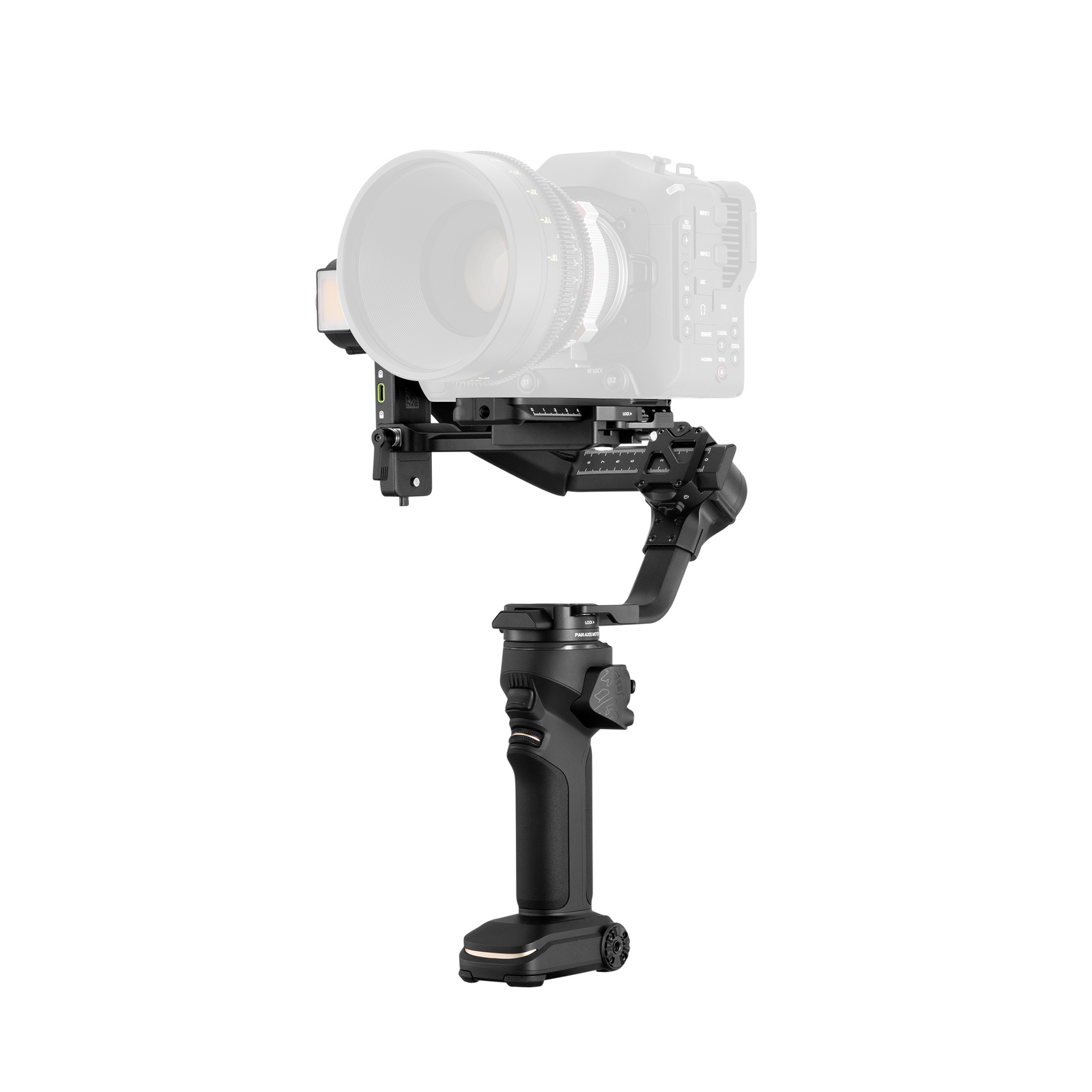
Credit: store.zhiyun-tech.com
When To Seek Professional Help
If your gimbal has water damage, won’t turn on after battery checks, or shows error lights, it’s time for expert repair. Don’t force the motors or open the casing if you’re not sure—you may void the warranty.
Fixing your camera gimbal is often simple and saves money. Start with the basics—battery, balance, firmware—before moving to more complex checks. Regular maintenance and gentle use prevent most issues. If you need detailed manufacturer guides, visit their official support page or check DJI’s official support for common models.
Frequently Asked Questions
How Often Should I Calibrate My Camera Gimbal?
Calibrate every few weeks or after changing your camera setup.
My Gimbal Keeps Vibrating. What Should I Do?
Check camera balance and recalibrate. Make sure nothing is loose.
Can I Use Any Battery In My Gimbal?
No, always use the battery type recommended by the manufacturer.
What’s The Best Way To Clean My Gimbal?
Use a soft, dry cloth for external parts. Never use water or harsh chemicals.
Is It Safe To Update The Gimbal Firmware Myself?
Yes, but follow the instructions carefully and ensure your device has enough battery.

Credit: www.autelpilot.com