Capturing the perfect photo often takes more than a good camera and lens. Camera filters are a simple tool that can change your images in ways editing software sometimes cannot. Whether you are a beginner or a skilled photographer, understanding what camera filters are used for can take your photography to the next level. Let’s explore the main reasons photographers still use filters today.
Table of Contents
Why Use Camera Filters?
Camera filters are pieces of glass or plastic that attach to the front of your camera lens. They can control light, protect your lens, or add creative effects. Here are the main uses:
- Controlling Light: Filters can block or reduce certain types of light. This is helpful in bright sunlight or when you want longer exposures without overexposing your image.
- Enhancing Colors: Some filters make skies bluer, leaves greener, or sunsets more dramatic.
- Reducing Reflections: Filters can cut glare from water, glass, or shiny surfaces.
- Protecting Lenses: A simple clear filter can protect your expensive lens from dust, scratches, or fingerprints.
Popular Types Of Camera Filters
Each filter serves a specific purpose. Here’s a quick comparison:
| Filter Type | Main Use | Example Photo |
|---|---|---|
| UV Filter | Lens protection | Everyday outdoor shots |
| Polarizing Filter | Reduce reflections, boost colors | Blue skies, water scenes |
| ND (Neutral Density) | Block light for long exposures | Waterfalls, moving clouds |
| Graduated ND | Darken part of the image | Landscape horizons |
| Color Filter | Add color effects | Creative portraits |

Credit: www.exposureguide.com
How Filters Improve Photos
Camera filters can create effects that are difficult or impossible to copy in post-processing. For example, polarizing filters can make the sky deeper blue and remove reflections from a lake. ND filters allow you to blur water for a silky effect, even in daylight.
Let’s compare two common situations:
| Situation | With Filter | Without Filter |
|---|---|---|
| Sunny landscape | Balanced sky and ground | Overexposed sky |
| River waterfall | Silky smooth water | Frozen, harsh water |
| Portrait outdoors | No glare on glasses | Distracting glare |
Many beginners think editing can fix everything, but filters often create results that software cannot match. For example, a polarizer can remove reflections in real time, something Photoshop struggles with.
Pro Tips For Using Camera Filters
- Always check your filter size before buying.
- Clean your filter regularly to avoid blurry spots.
- Stack filters only when needed, as too many can cause image softness or vignetting.
- Not all filters are equal—cheap glass can ruin a sharp lens.
Some professionals avoid UV filters for image quality, but many still use them for protection. For a deeper dive, see this Wikipedia article on photographic filters.
Camera filters are a valuable tool for every photographer. They help control light, protect your lens, and unlock creative effects. With the right filter, you can capture scenes just as you imagine them.
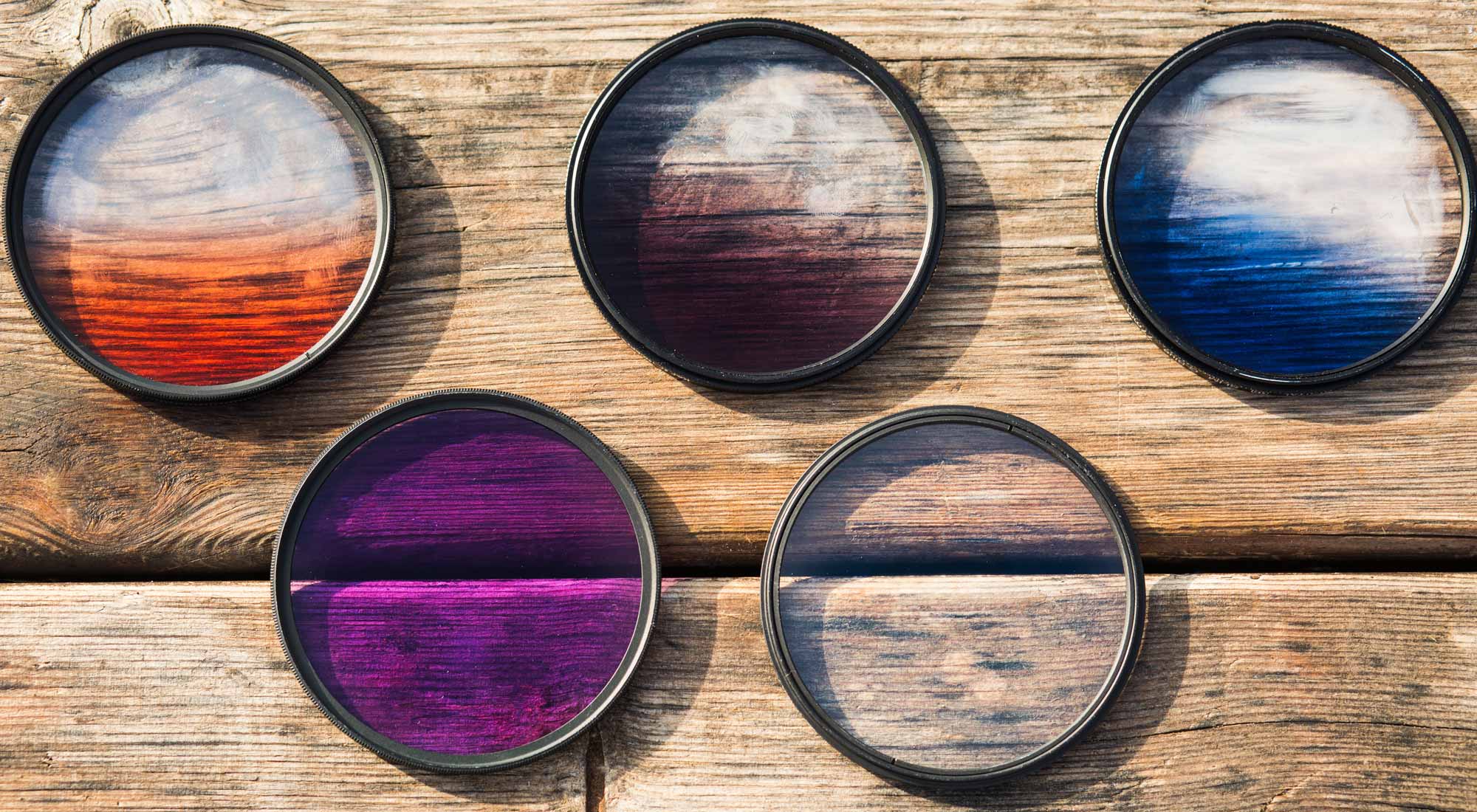
Credit: www.adorama.com
Frequently Asked Questions
What Is A Polarizing Filter Used For?
A polarizing filter removes reflections from water, glass, or shiny surfaces and makes skies look richer and more colorful.
Do I Need A Uv Filter For My Camera?
A UV filter is mostly used for lens protection. It has little effect on modern digital images, but it keeps your lens safe from scratches and dust.
Can I Use More Than One Filter At The Same Time?
Yes, you can stack filters, but using too many can reduce image quality or cause dark corners (vignetting).
Are Expensive Filters Worth The Money?
Higher-quality filters use better glass and coatings, which means less distortion and clearer photos. Cheap filters may lower image quality.
Can I Edit Filter Effects In Software Later?
Some effects, like color changes, can be edited later. But removing reflections or balancing light in a single shot is often only possible with physical filters.