Choosing the right backup method for your photos and videos can be confusing. Many people wonder if camera storage or cloud storage is best for protecting memories. Both have advantages, but they solve different problems. Let’s break down the key differences so you can make a smart choice.
Table of Contents
What Is Camera Storage?
Camera storage means saving files directly to your device’s memory card or internal drive. Most cameras use SD cards, which can range from 8GB to 512GB or more. For example, a 32GB SD card can hold about 1,000 high-quality photos. This storage is fast and doesn’t depend on the internet.
| Camera Storage Type | Typical Capacity | Speed | Reliability |
|---|---|---|---|
| SD Card | 8GB–512GB | Fast | High |
| Internal Memory | 16GB–128GB | Very Fast | Moderate |
Camera storage is ideal for travel, outdoor shooting, or places with poor connectivity. However, it’s easy to lose an SD card or damage it. If your camera breaks or is stolen, your files might disappear forever.
What Is Cloud Storage?
Cloud storage means uploading your files to remote servers via the internet. Services like Google Photos, Dropbox, and iCloud offer free and paid plans. For example, Google Photos gives 15GB free, while Dropbox starts at 2GB. Cloud storage lets you access your photos from any device, anywhere.
| Cloud Service | Free Storage | Paid Storage | Accessibility |
|---|---|---|---|
| Google Photos | 15GB | Up to 2TB | Global |
| Dropbox | 2GB | Up to 3TB | Global |
| iCloud | 5GB | Up to 2TB | Apple Devices |
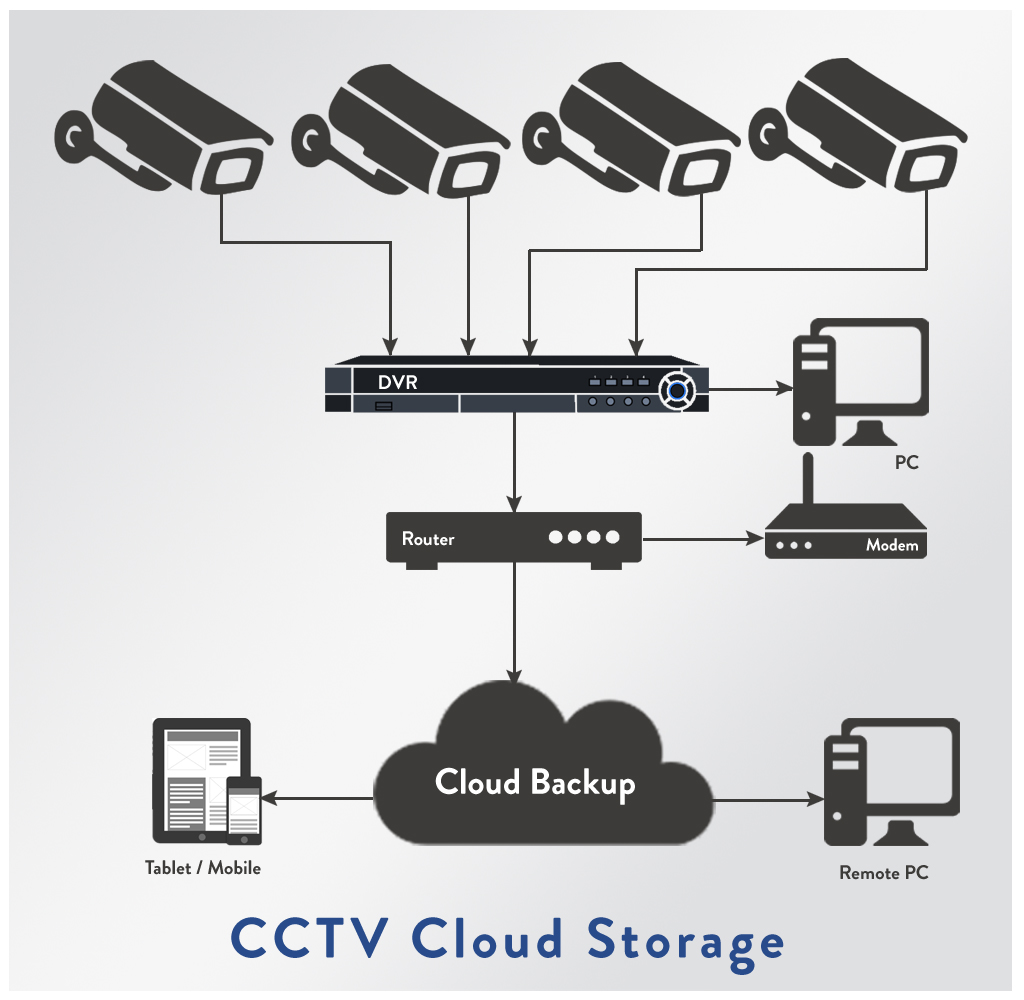
Cloud storage protects against device loss and hardware failure. If your camera is stolen, your backups are safe. However, uploading large files can be slow, especially with poor internet. Privacy is another concern, as some users worry about data being hacked or shared.
Credit: www.infinibandta.org
Camera Storage Vs Cloud Storage: Key Differences
| Feature | Camera Storage | Cloud Storage |
|---|---|---|
| Access Speed | Immediate | Depends on internet |
| Security | Physical risk | Online risk |
| Cost | One-time | Monthly/Yearly |
| Capacity | Limited by card | Almost unlimited |
Beginners often forget to back up their camera storage, which risks losing all files. Also, cloud storage can run out of free space quickly, leading to unexpected costs.
Which Is Best For Backups?
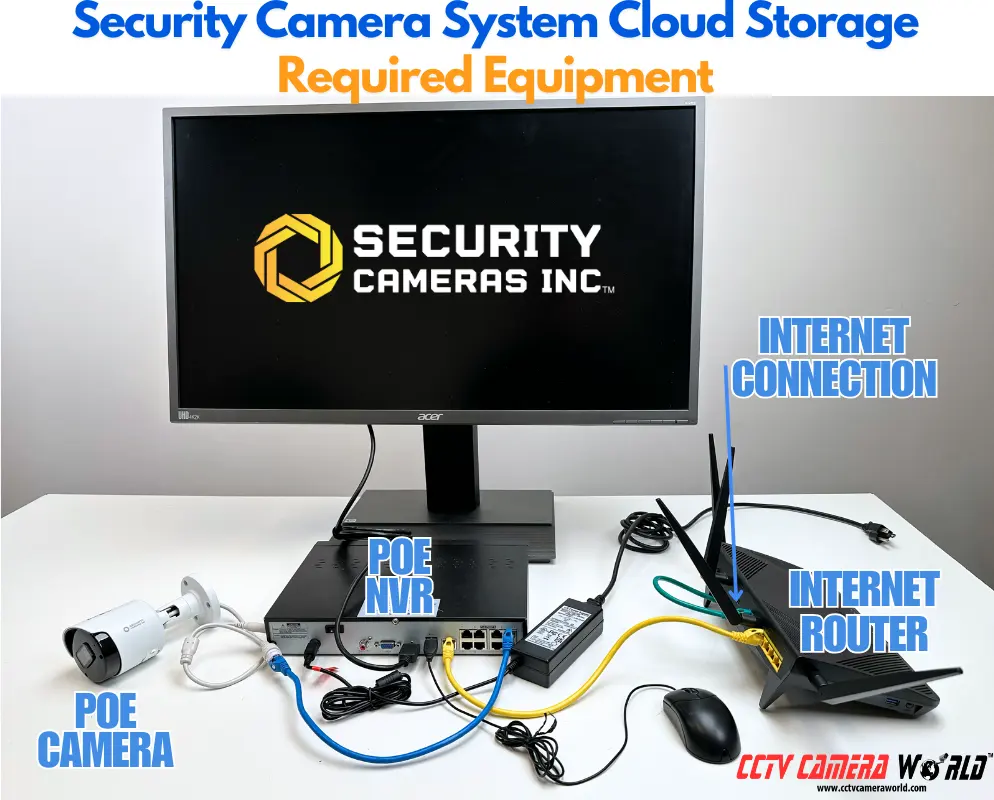
For most people, using both is safest. Save your files to the camera, then back up to the cloud when possible. This approach protects against both physical and digital risks. Always use strong passwords and enable two-factor authentication for cloud accounts. If you shoot a lot, invest in larger SD cards and a reliable cloud plan.
Credit: www.infinibandta.org
Frequently Asked Questions
What Happens If My Sd Card Fails?
If your SD card stops working and you have no backup, files are usually lost. Always copy files to a computer or cloud after shooting.
Is Cloud Storage Safe From Hackers?
Cloud services use encryption and security measures, but nothing is 100% safe. Use strong passwords and check privacy settings. For more on security, see Wikipedia.
How Fast Is Uploading To The Cloud?
Upload speed depends on your internet. Large files can take minutes or hours. Fast Wi-Fi helps but is not always available.
Can I Use Both Storage Types?
Yes, many people save to their camera, then upload to the cloud. This is called redundant backup and is the safest option.
Do I Need To Pay For Cloud Storage?
Free plans are good for beginners, but heavy users may need paid plans for extra space. Check prices before you run out of room.
Backing up photos and videos is important for everyone. By understanding the strengths and weaknesses of camera and cloud storage, you can protect your memories from loss and disaster.