Losing precious photos from your camera memory card can feel devastating. Whether it’s by accident or a technical issue, many people think deleted images are lost forever. The good news: in most cases, you can recover them if you act quickly and follow the right steps.
Table of Contents
How Photo Deletion Works
When you delete a photo on a memory card, the data isn’t immediately erased. Instead, the camera marks the space as empty, ready to be overwritten. This means deleted photos can often be restored—unless new data has already replaced them.
Here’s a quick look at how files remain recoverable:
| Action | File Status | Chance of Recovery |
|---|---|---|
| Photo deleted | Data intact | High |
| New photo saved | Data overwritten | Low |
Steps To Recover Deleted Photos
1. Stop Using The Card
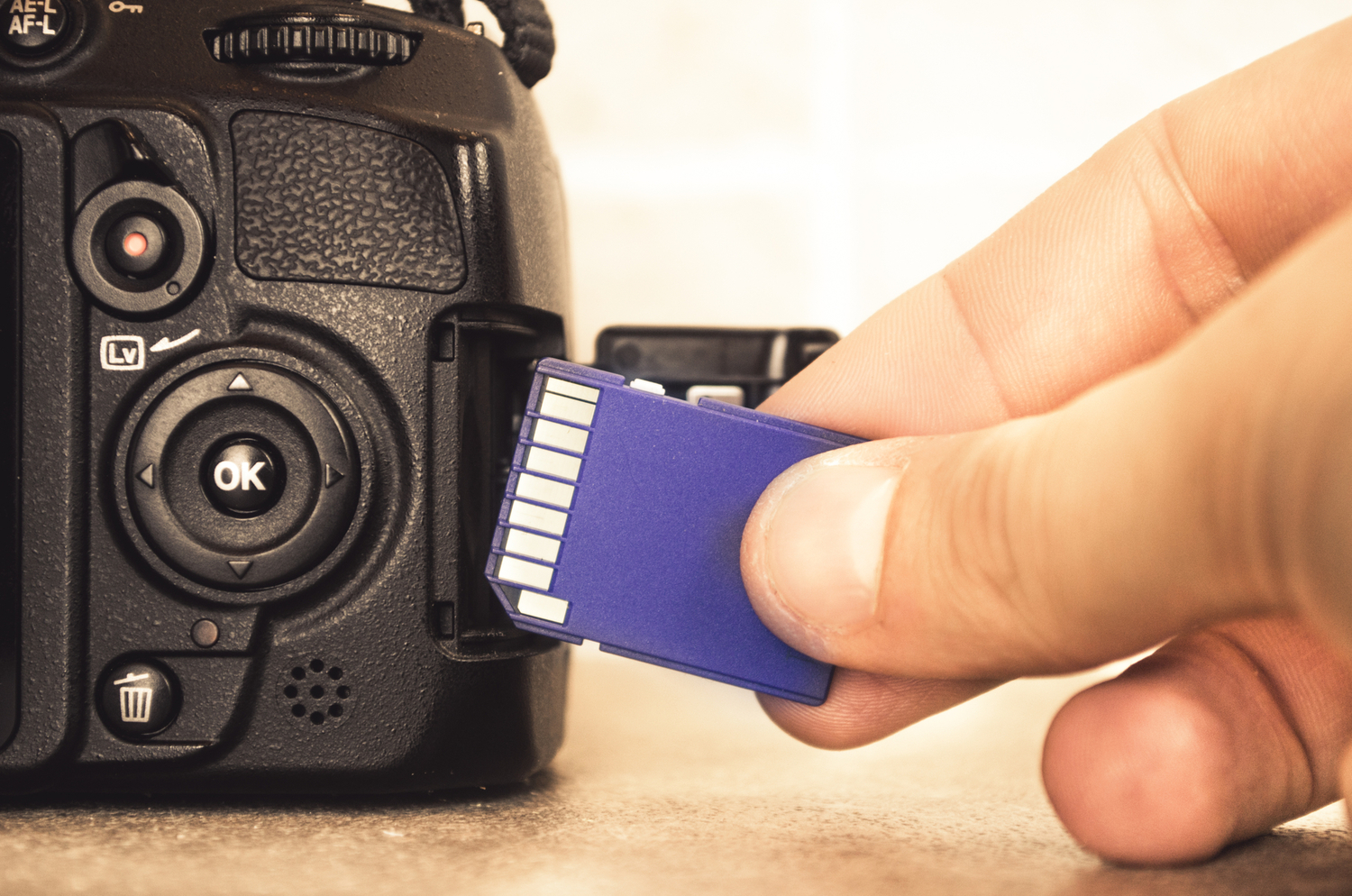
Remove the memory card from your camera and avoid adding new photos. This prevents overwriting lost data.
2. Connect The Card To A Computer
Use a card reader for a stable connection. Built-in laptop slots are also fine.
3. Download Data Recovery Software
Choose reliable tools like Recuva, PhotoRec, or Disk Drill. Many offer free versions with basic recovery features.
| Software | Free Version | Supported Formats |
|---|---|---|
| Recuva | Yes | JPG, PNG, RAW |
| PhotoRec | Yes | Over 400 types |
| Disk Drill | Yes | JPG, RAW, TIFF |
4. Scan The Memory Card
Follow the software’s instructions. Scanning may take several minutes, depending on card size.
5. Preview And Recover
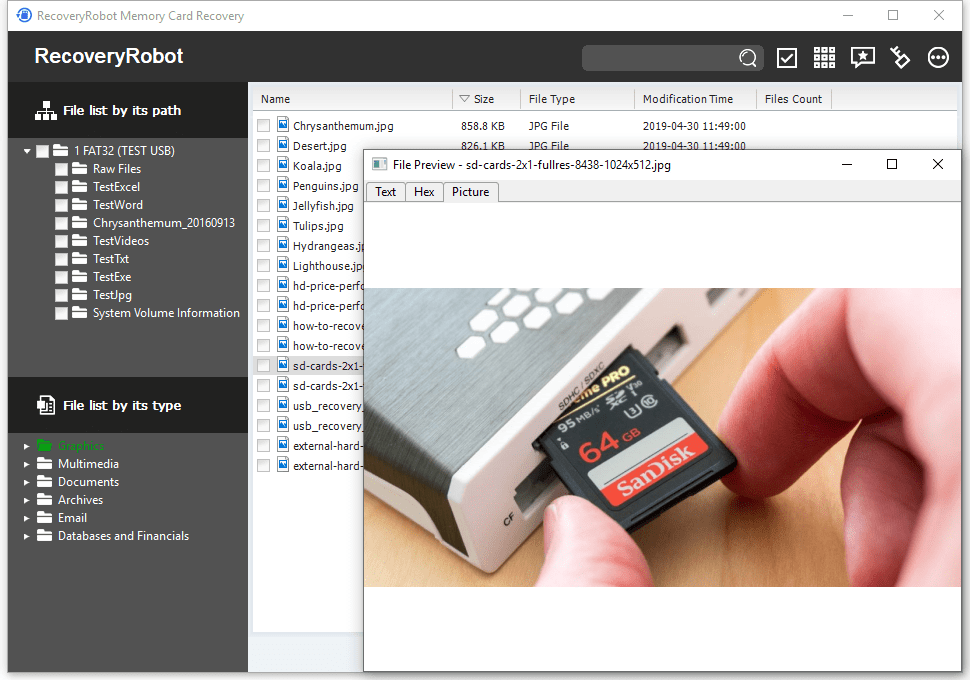
Most tools let you preview photos before restoring. Select the images you want and save them to a different drive, not the original card.
Credit: www.popsci.com
Common Mistakes To Avoid
- Continuing to use the card after deletion risks permanent loss.
- Formatting the card reduces recovery chances.
- Saving recovered files back to the same card can cause overwriting.
When To Seek Professional Help
If DIY methods fail, or the card is physically damaged, data recovery services might help. These services can be expensive but have specialized tools for severe cases.
Credit: datarecoveryrobot.com
Frequently Asked Questions
Can I Recover Photos After Formatting The Memory Card?
Sometimes, yes. Use advanced recovery software, but the success rate drops after formatting.
Is Recovery Possible If The Card Shows Errors?
Yes, as long as the card is still readable by your computer. If not, professional help may be needed.
Are Free Recovery Tools Safe?
Most popular options are safe, but always download from official websites to avoid malware.
How Long Does The Recovery Process Take?
Scanning usually takes 10-30 minutes for average-sized cards, but larger cards or deep scans may take longer.
Where Can I Learn More About Data Recovery?
You can find detailed guides at TechRadar.
Recovering deleted photos from a camera memory card is often possible if you act quickly and follow these steps. Stay calm, avoid overwriting, and use the right tools to increase your chances of success.