Removing your Eufy camera from its mount might seem simple, but the right steps can prevent damage and make future reinstallations easier. Whether you’re upgrading, changing locations, or troubleshooting, handling the camera carefully is essential. This guide explains how to safely remove your Eufy camera from its mount, with tips and answers to common questions.
Table of Contents
Understanding Eufy Camera Mounts
Eufy offers several camera models, each with different mounting systems. The most popular include magnetic mounts, screw-in mounts, and outdoor weatherproof mounts. Knowing your model is crucial, as removal methods vary.
| Mount Type | Removal Difficulty | Tools Needed |
|---|---|---|
| Magnetic | Easy | None |
| Screw-in | Medium | Philips screwdriver |
| Weatherproof | Medium-Hard | Screwdriver, possibly wrench |
Tip: Check the Eufy app or manual to confirm your model and mount type before starting.
Step-by-step Removal Process
1. Power Off The Camera
If possible, turn off the camera using the Eufy app. This prevents false alerts and protects the device.
2. Gather Tools
For screw-in and weatherproof mounts, you’ll need a Phillips screwdriver. Magnetic mounts require no tools.
3. Access The Mount
Use a sturdy step stool for high mounts. Avoid overreaching to maintain safety.
- Remove the Camera
- Magnetic Mount: Hold the camera firmly and pull straight off the mount.
- Screw-in Mount: Unscrew the base or the adjustment knob, then slide the camera out.
- Weatherproof Mount: Unscrew the protective case or bracket, then gently separate the camera.
- Check for Cables
For wired models, unplug any power or Ethernet cables before fully removing the camera.
| Model | Mount Type | Wired/Wireless |
|---|---|---|
| EufyCam 2C | Magnetic | Wireless |
| Eufy SoloCam | Screw-in | Wireless |
| Eufy Floodlight Cam | Weatherproof | Wired |
Insight: Many first-time users forget to check for hidden screws, especially on weatherproof models. Always inspect the entire mount to avoid breaking parts.

Credit: community.eufy.com
After Removal: What To Do Next
- Store Your Camera: Keep it in a dry, safe place if not reinstalling soon.
- Clean the Mount: Remove dust or debris for better performance if you plan to use it again.
- Check for Damage: Look for cracks or bent parts before reinstalling.
Practical Note: Save all screws and small parts in a labeled bag. Losing mounting hardware is a common and frustrating mistake.
Frequently Asked Questions
How Do I Know Which Eufy Mount I Have?
Check the product box, the Eufy app, or the camera’s base for model information. The type of attachment (magnet, screws, bracket) helps you identify it.
Can I Reuse The Eufy Mount After Removal?
Yes, most Eufy mounts are reusable. Inspect for wear or damage before reinstalling.
Is It Safe To Remove An Outdoor Eufy Camera Myself?
If you have a stable ladder and basic tools, it’s safe. For hard-to-reach locations, consider professional help.
What If My Camera Won’t Come Off The Mount?
Check for hidden screws or latches. Don’t force the camera, as this can cause damage. Consult the manual or Eufy Support if unsure.
Will Removing The Camera Reset My Device?
No, removing the camera from the mount does not reset settings. You’ll need to use the app or reset button for that.
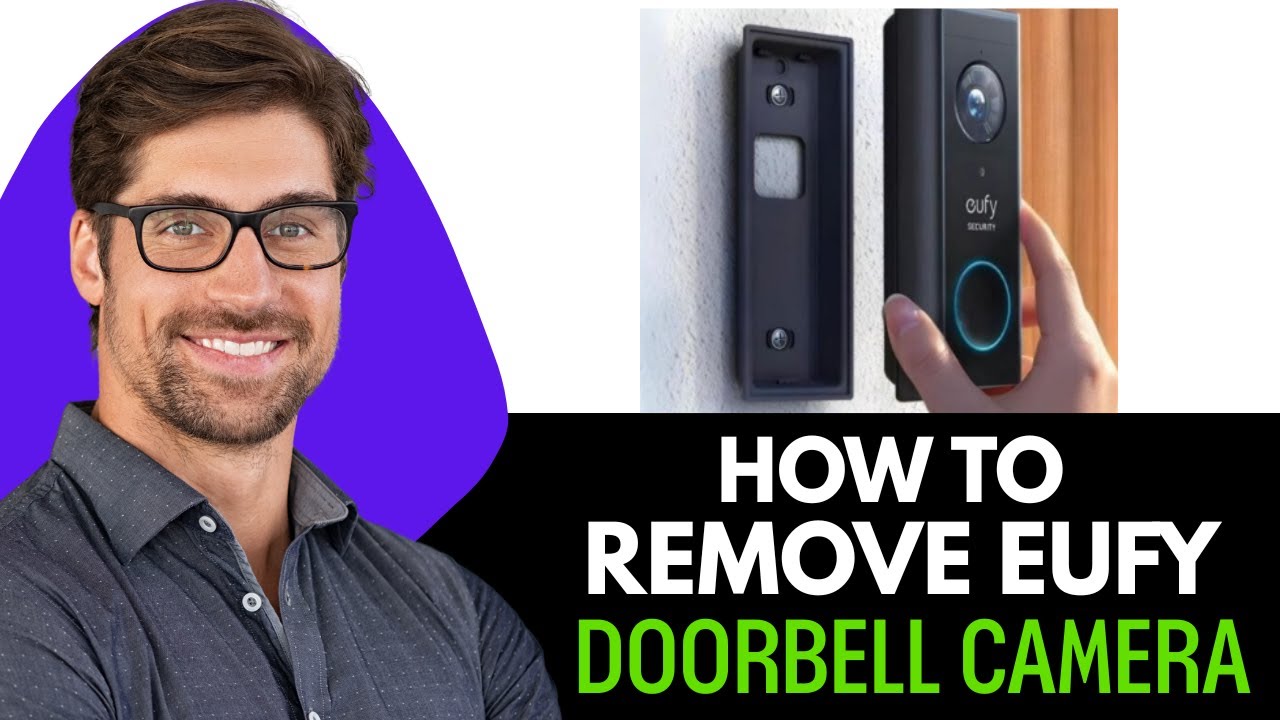
Credit: www.youtube.com