Want to make your photos look more creative or professional? Using camera filters is one of the easiest ways. Filters help you control light, color, and effects right from your lens. But how do you actually get filters on your camera? Whether you use a smartphone or a dedicated camera, here’s a simple guide to adding filters and making the most of them.
Table of Contents
Types Of Camera Filters
Not all filters are the same. Here are some common types:
- Screw-on filters: These attach directly to the front of your camera lens and are popular for DSLR and mirrorless cameras.
- Clip-on filters: Often used with smartphones, these simply clip over your camera lens.
- Drop-in filters: Some advanced cameras have a special slot inside the lens or camera body for filters.
- Software filters: Apps or built-in camera software can add digital effects, like black-and-white or vintage looks.
Compare the options:
| Filter Type | Best For | Ease of Use |
|---|---|---|
| Screw-on | DSLR/Mirrorless | Medium |
| Clip-on | Smartphones | Easy |
| Drop-in | Pro Cameras | Advanced |
| Software | All Devices | Very Easy |
How To Attach Physical Filters
For DSLR and mirrorless cameras, most filters are screw-on. Here’s how:
- Check your lens diameter (written on the lens, like 52mm or 67mm).
- Buy a filter that matches this size.
- Gently screw the filter onto the front of your lens.
For clip-on filters (smartphones):
- Align the filter over your camera lens and clip it in place.
- Make sure the filter covers the lens fully for best results.
Some cameras use drop-in filters. You usually open a small slot and slide the filter inside.
Here’s a quick comparison of filter attachment methods:
| Method | Pros | Cons |
|---|---|---|
| Screw-on | Secure fit, wide variety | Slower to change |
| Clip-on | Quick, fits many phones | May slip off |
| Drop-in | Protected, fast swap | Costly, camera-specific |

Credit: www.youtube.com
Using Software And App Filters
If you don’t want physical filters, many camera apps include digital filters. On smartphones, open the camera app and look for “filters” or “effects.” Popular apps like Instagram and Snapchat have built-in filters that add color, mood, or fun animations.
Some advanced cameras also let you choose styles like monochrome or vivid in the menu.
Pro tip: Physical filters change the light before it enters your camera, so the effect is often more natural compared to digital filters.
Practical Insights Most Beginners Miss
- Always check your lens size before buying a filter. The wrong size won’t fit or could fall off.
- Cheap filters can lower image quality. Invest in a good quality filter for clear, sharp photos.

Credit: www.idownloadblog.com
Final Thoughts
Filters are a simple way to add creativity to your photography. Whether you choose a physical filter or a digital effect, understanding how to get filters on your camera opens up new options for every shot. For more about filter types, the Wikipedia Photographic Filter page has helpful details.
Frequently Asked Questions
What Is The Most Popular Camera Filter?
The UV filter is very popular for lens protection and basic image clarity.
Can I Use Multiple Filters At Once?
Yes, but stacking too many can cause image distortion or dark corners (vignetting).
Do Filters Fit All Camera Lenses?
No, you must match the filter’s size to your lens diameter.
Are App Filters As Good As Physical Filters?
Digital filters are convenient but may not match the natural look of physical filters.
Will A Filter Affect My Autofocus?
Most high-quality filters do not affect autofocus, but very dark filters (like ND filters) can slow it down.
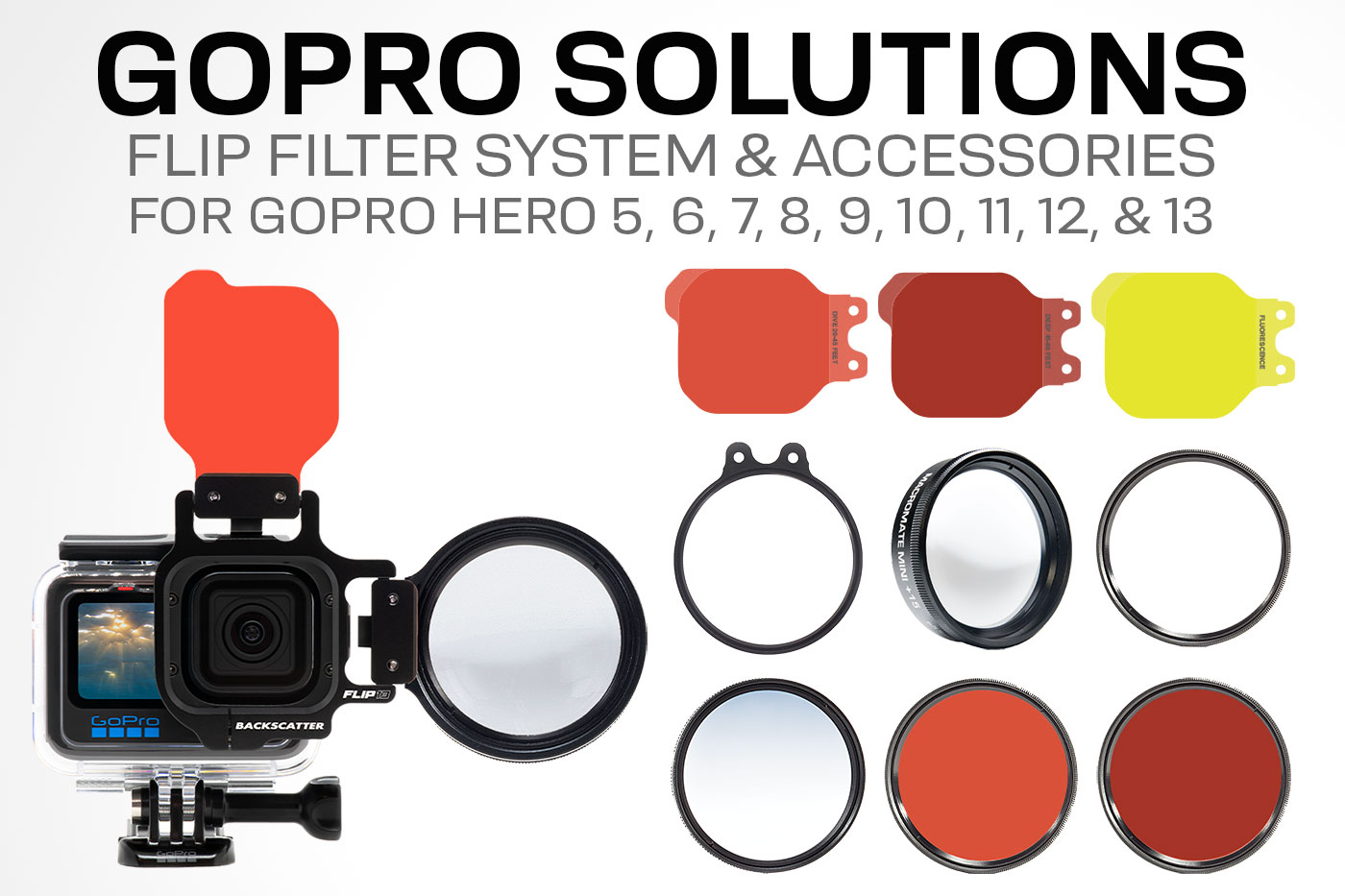
Credit: www.backscatter.com