Capturing a photo is more than just clicking a button. The way light enters the lens and the colors you see can change with a simple tool: camera filters. These small pieces of glass or plastic might look basic, but they can transform your images in surprising ways. Whether you shoot on a phone or a professional camera, filters help you control light, color, and mood. Let’s explore how camera filters work and why photographers use them.
Table of Contents
Types Of Camera Filters And What They Do
Camera filters come in many shapes and sizes, each with a unique purpose. Here are the most common types:
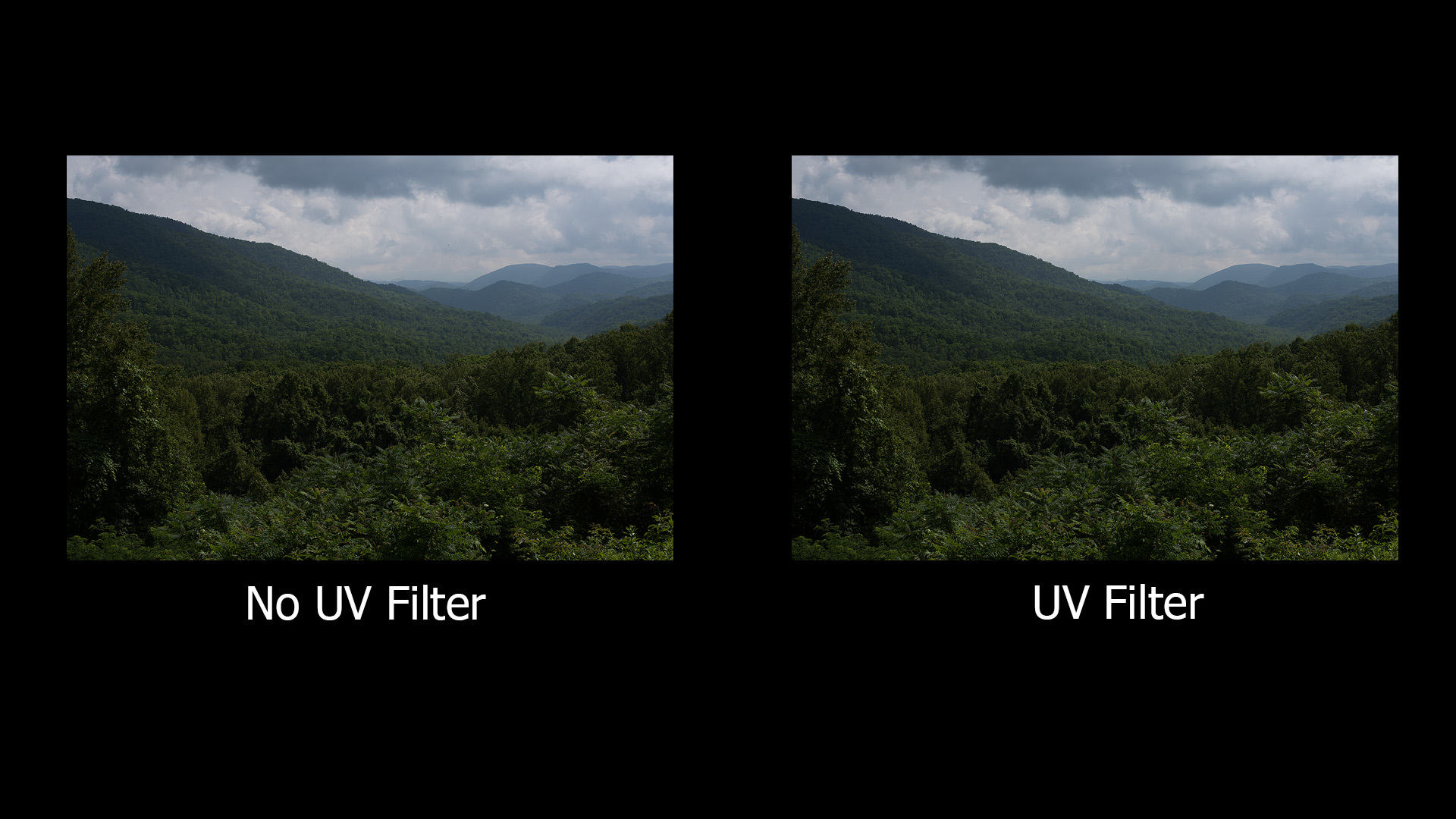
- UV Filters: These filters block ultraviolet light. While most modern lenses don’t need them for UV protection, many photographers use them to shield the lens from dust and scratches.
- Polarizing Filters: These are popular for landscape photos. Polarizers reduce glare from water, glass, and leaves. They also deepen blue skies and boost color contrast.
- ND (Neutral Density) Filters: ND filters are like sunglasses for your lens. They reduce the amount of light entering the camera, letting you use slower shutter speeds or wider apertures even in bright sunlight. This is great for creating motion blur effects in waterfalls or crowds.
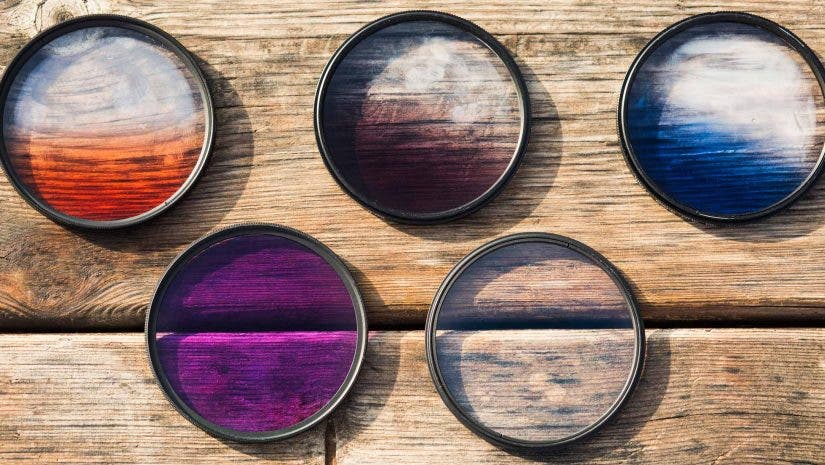
- Color Filters: These filters add color to your photos. For example, a red filter can make skies look darker in black-and-white photography.
- Special Effects Filters: Some filters create unique looks, such as soft focus, starburst effects, or rainbow colors.
Here’s a quick comparison of what each filter does:
| Filter Type | Main Function | Common Use |
|---|---|---|
| UV | Blocks UV rays | Lens protection |
| Polarizer | Reduces glare, boosts color | Landscapes |
| ND | Limits light | Long exposures |
| Color | Adds color | Black-and-white |
| Special Effects | Creates visual effects | Creative shots |
How Filters Change Your Photos
Filters are more than simple accessories. They can help you:
- Control exposure in bright conditions (with ND filters)
- Enhance colors and reduce reflections (with polarizers)
- Protect your lens from damage (using UV filters)
- Achieve creative effects (with special filters)
For example, using a polarizing filter on a sunny day can boost the blue of the sky by up to 30% and cut glare by about 50%. ND filters allow photographers to shoot waterfalls with smooth, silky water by slowing the shutter speed, even at midday.
Here’s a comparison of the effect with and without a polarizer:
| Condition | Without Filter | With Polarizer |
|---|---|---|
| Sky Color | Normal blue | Deeper blue |
| Glare on Water | Strong | Reduced |
| Leaf Contrast | Low | High |
Credit: www.adorama.com
Non-obvious Insights About Filters
Many beginners think filters are only for professionals. But even smartphone users can benefit, especially from clip-on polarizers. Another common mistake is stacking too many filters. This can cause vignetting (dark corners) and reduce sharpness. Always check your results after adding a new filter.
For deeper technical details, you can read more at Wikipedia.
Frequently Asked Questions
What Is The Main Reason To Use A Camera Filter?
Most people use filters to control light and protect their lens.
Can Filters Improve Image Quality?
Yes, filters like polarizers and ND filters can make colors richer and reduce unwanted reflections.
Are Filters Needed For Digital Cameras?
Not always, but they offer benefits like creative effects and protection.
Is It Possible To Use More Than One Filter At A Time?
You can stack filters, but too many may cause image problems like vignetting.
Do Filters Affect Autofocus Or Sharpness?
Some thick filters can slightly reduce sharpness or slow autofocus, especially on cheaper lenses.
Credit: www.infinibandta.org