Many people choose Blink cameras for home security because they are affordable and easy to set up. But a common question is: Do Blink cameras come with mounts in the box, or do you need to buy them separately? Knowing what is included helps you plan your installation, avoid surprises, and get the best security coverage.
Table of Contents
What’s Included With Blink Cameras
Most Blink camera models come with mounting hardware in the box. This usually includes a basic plastic mount and the screws needed for installation. The goal is to make setup as simple as possible, even for beginners.
Here’s a quick look at what you typically get with popular models:
| Blink Camera Model | Mount Included | Type of Mount |
|---|---|---|
| Blink Outdoor | Yes | Plastic swivel mount |
| Blink Indoor | Yes | Plastic swivel mount |
| Blink Mini | Yes | Fixed stand |
| Blink XT2 | Yes | Plastic swivel mount |
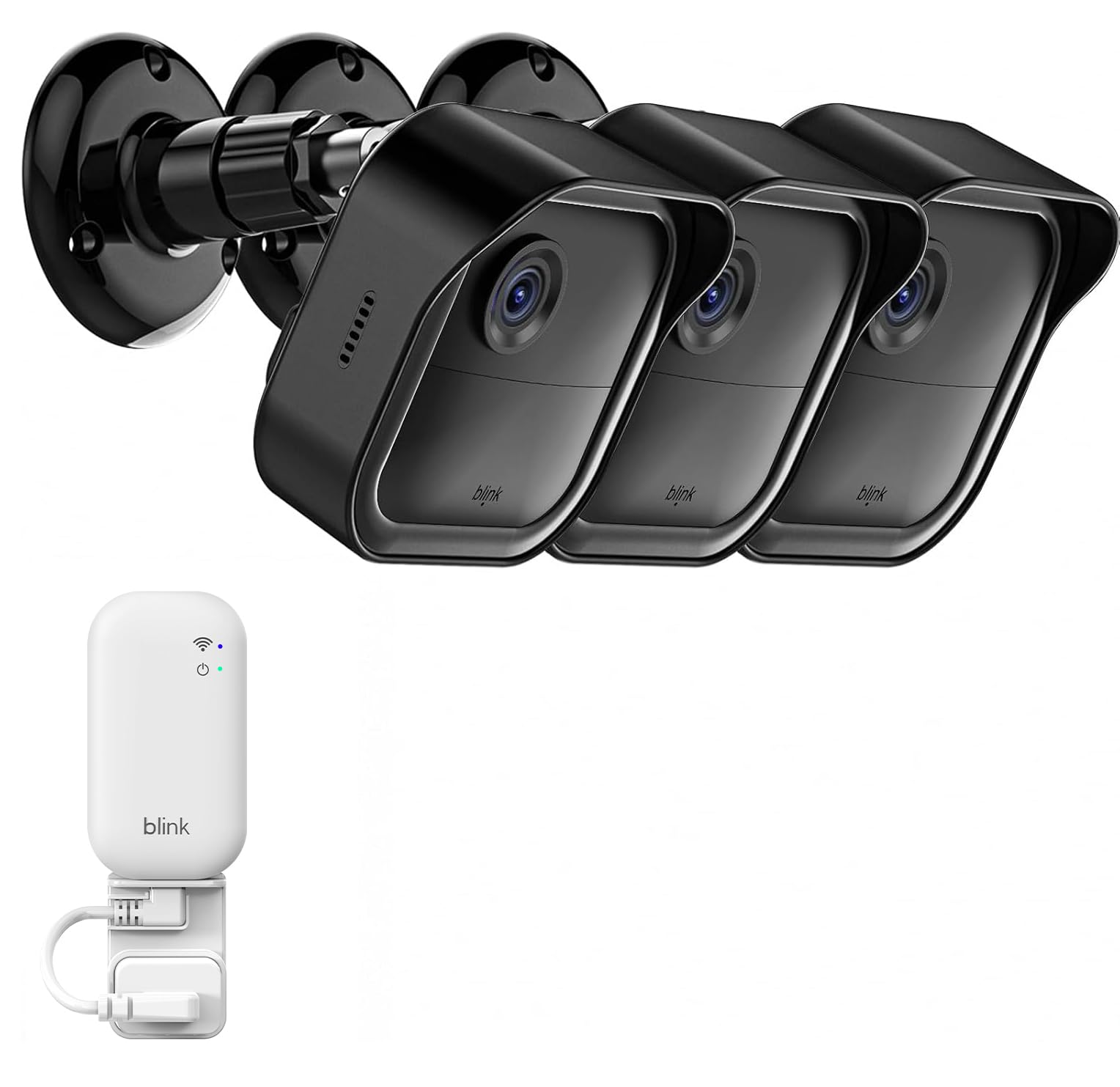
The included mounts allow you to quickly attach your camera to a wall, ceiling, or shelf. Most are designed for indoor and outdoor use, but the basic plastic is not as robust as metal options.
Mount Quality And Limitations
The mounts that come with Blink cameras are functional but basic. They work well for light cameras and simple setups. However, there are a few limitations:
- Material: Most included mounts are lightweight plastic.
- Adjustability: The range of motion is often limited.
- Durability: May not hold up well in extreme weather or heavy use.
Here’s how included mounts compare to third-party options:
| Feature | Included Mount | Aftermarket Mount |
|---|---|---|
| Material | Plastic | Metal/Plastic |
| Weather Resistance | Basic | Advanced |
| Adjustability | Limited | Wide range |
| Security | Standard | Lockable options |
If you want more flexibility, stronger mounting, or better weather protection, many users choose to upgrade to third-party mounts.

Credit: support.blinkforhome.com
Tips For A Better Installation
- Test camera angles before fully mounting. This helps avoid drilling mistakes.
- For outdoor use, place cameras under eaves or awnings for extra protection.
- Avoid mounting in direct sunlight or near heat sources.
- If you need to mount on brick or concrete, use anchors for a secure fit.
Most beginners miss that you can use universal camera mounts with a standard 1/4-inch screw. This gives more options for creative placement.
Frequently Asked Questions
Do All Blink Cameras Come With Mounts?
Yes, most Blink cameras include a basic mount and screws. However, the type of mount may differ by model.
Can I Use A Different Mount With My Blink Camera?
Yes, many Blink cameras use a standard thread size. You can use universal or third-party mounts for different angles and better durability.
Are The Included Mounts Suitable For Outdoor Use?
The included mounts are rated for both indoor and outdoor use but may not last as long as metal mounts in harsh weather.
How Do I Install The Mount?
Use the provided screws to attach the mount to a wall or ceiling. Then, snap the camera onto the mount and adjust the angle as needed.
Where Can I Find Official Blink Accessories?
You can find official mounts and accessories on the Blink Amazon Store for more options and support.
Understanding what comes with your Blink camera helps you get started quickly and plan for any upgrades if needed. With the right mount, you can make your home security system more reliable and effective.
Credit: www.amazon.com