Taking off a camera case seems simple, but many people struggle with it, especially if the case is new or tightly fitted. Removing the case properly helps avoid damage to your camera or accessories. Whether you use a hard shell, silicone cover, or leather pouch, knowing the right steps can save you time and keep your equipment safe.
Table of Contents
Why Remove The Camera Case Carefully?
A camera case protects your device from scratches, dust, and drops. But rushing to take it off can scratch the body, loosen parts, or even break the case. In some situations, such as cleaning or changing memory cards, you need to remove the case quickly and safely.
Step-by-step Guide: Taking Off A Camera Case
1. Turn Off The Camera
Always switch off your camera. This prevents accidental button presses and reduces the risk of short circuits.
2. Place Camera On A Soft Surface
Lay the camera on a clean towel or mat. This keeps it safe if you drop anything.
3. Check The Case Type
There are different cases: hard, silicone, or leather. Each type needs a slightly different approach.
| Case Type | Removal Difficulty | Best Removal Tool |
|---|---|---|
| Hard Shell | Medium | Plastic Pry Tool |
| Silicone | Easy | Fingers |
| Leather | Varies | None or Small Screwdriver |
4. Locate The Release Points
Many cases have small tabs or snaps. Find these first. On some, you may need to unscrew a small fastener.
5. Gently Pry Or Slide
For hard shell cases, use a plastic pry tool or your fingernail to lift at the corner. For silicone cases, stretch gently from the edge. Leather pouches often slide off or have buttons.
| Brand Example | Unique Feature | Removal Tip |
|---|---|---|
| Canon | Snug fit, bottom latch | Open latch first |
| Sony | Flexible silicone | Peel from LCD side |
| Nikon | Leather with snap | Unfasten snap, slide off |
6. Remove Slowly
Never force it. If it feels stuck, check if you missed a latch or screw.

Credit: www.thinktankphoto.com
Tips For Easier Removal
- Warm silicone cases slightly with your hands to make them more flexible.
- Keep your fingers clean to avoid smudges.
- Store the case in a dust-free bag after removal.
What Beginners Often Miss
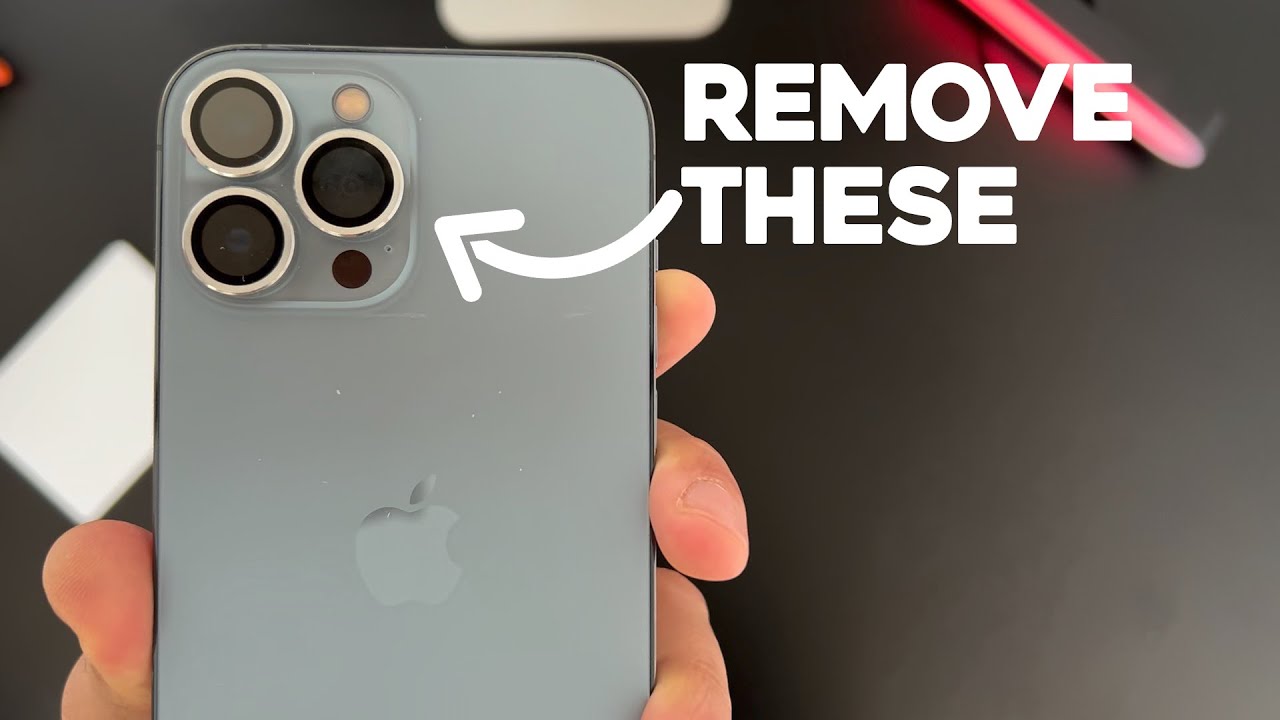
Many people forget to disconnect straps or accessory attachments before removing the case. This can cause damage or stretching. Also, never use metal tools, as they can scratch the camera body.
Credit: www.youtube.com
Frequently Asked Questions
How Do I Remove A Camera Case That Feels Stuck?
Try lifting at different corners gently. Check for hidden snaps or screws you may have missed.
Can Removing A Case Damage My Camera?
If done too quickly or with sharp tools, yes. Always use plastic tools or your hands for safety.
Should I Remove The Case Every Time I Use The Camera?
No, only remove it for cleaning, maintenance, or when it blocks ports or buttons.
What Should I Do If The Case Leaves Marks?
Clean the camera body with a soft microfiber cloth. If marks remain, use a camera-safe cleaning solution.
Where Can I Find More Camera Care Tips?
Visit B&H Explora for trusted camera maintenance advice.
Removing a camera case the right way keeps your gear safe and ready for use. With a little care and patience, you can avoid common mistakes and extend the life of both your camera and its case.