Getting creative with your Instagram photos often starts with using camera filters. These filters can change the colors, mood, and style of your pictures and videos in seconds. Whether you want to add sparkle, vintage tones, or funny effects, Instagram makes it easy. But if you’re new to the app or not sure how to find and use filters, don’t worry—this guide will help you master it quickly.
Table of Contents
Where To Find Camera Filters On Instagram
Instagram offers a wide range of filters built into the app. Here’s how you can access them:
- Open the Instagram app and swipe right from your feed to open the Stories camera.
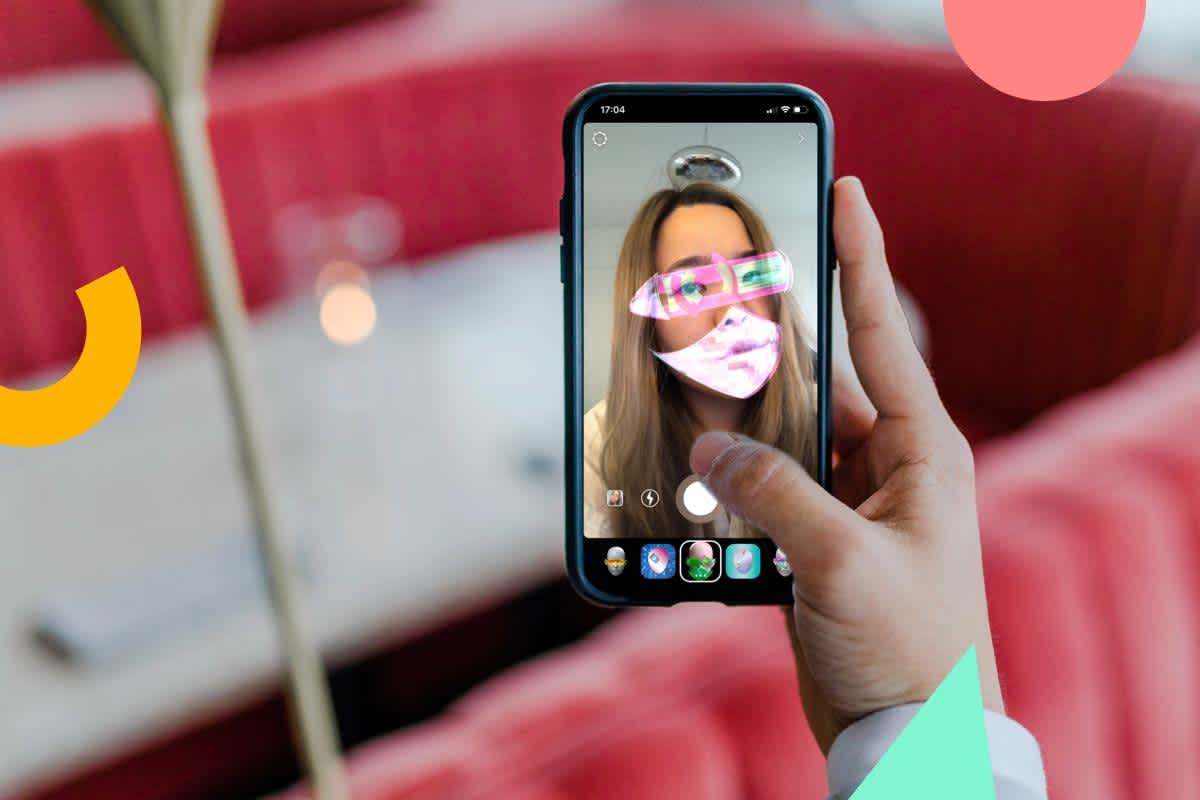
- At the bottom of the screen, you’ll see different filter icons. Swipe left or right to browse.
- Tap a filter to see how it looks. Some filters even have extra effects if you tap the screen.
You’ll notice some filters look basic, while others have animations or AR (augmented reality) elements. The variety is growing fast, with many created by users worldwide.
How To Get More Filters
Instagram’s filter library is huge, but you can get even more by searching or saving them:
- Browse the Effect Gallery: Swipe all the way to the right on the filter row until you reach “Browse Effects.” Tap it to open the Effect Gallery.
- Search for Specific Filters: Use the search bar at the top to find filters like “vintage,” “glitter,” or “cartoon.”
- Save Filters: When you find a filter you like, tap the download icon to save it. It will now appear in your filter tray for easy access.
Here’s a quick comparison of how filters can change your content:
| Filter Type | Main Effect | Best For |
|---|---|---|
| Color Tone | Changes photo colors | Scenery, portraits |
| AR Effects | Adds animation or objects | Stories, Reels |
| Face Filters | Decorates faces | Selfies, fun videos |
Credit: later.com
Tips For Using Instagram Filters
Many beginners overlook these simple but useful tips:
- Adjust Filter Strength: After choosing a filter, tap it again to adjust its intensity.
- Combine Filters and Edits: Use a filter first, then tweak brightness, contrast, or saturation for a unique look.
- Try Trending Filters: Check popular filters in the Effect Gallery for inspiration.
Here’s how Instagram’s filter use compares to other platforms:
| Platform | Number of Filters | User-Created Filters |
|---|---|---|
| 1,000+ | Yes | |
| Snapchat | Hundreds | Yes |
| TikTok | Hundreds | Yes |
Common Mistakes To Avoid
- Overusing strong filters—this can make photos look fake.
- Ignoring new filters—many creative effects are updated often.
- Not saving favorite filters—if you change phones, you may lose unsaved filters.
Instagram filters are a simple way to make your content stand out. With so many options, you can easily match your style or mood. For more on Instagram features, check out this official Instagram Help Center.

Credit: www.kspulverizadores.com.br
Frequently Asked Questions
How Do I Save A Filter I Like On Instagram?
Tap the filter name, then tap the down arrow icon to save it to your filter tray.
Can I Use Filters In Instagram Reels?
Yes, almost all camera filters are available for Reels as well as Stories.
Are Instagram Filters Free?
Yes, every filter in Instagram’s Effect Gallery is free to use.
Why Can’t I Find Some Filters?
Some filters may not be available in all countries or on older devices. Make sure your app is updated.
How Do I Remove A Saved Filter?
Tap and hold the filter in your tray, then tap Remove to delete it.