Using a Camera Gimbal for Your Phone: Is It Worth It?
If you’ve seen smooth, cinematic videos online, you might wonder how they’re made. Many creators use a camera gimbal—a device that stabilizes cameras for fluid motion. But can you use a camera gimbal for your phone? The answer is yes, but there’s more to know before you decide. Let’s explore how gimbals work with smartphones, their benefits, and some practical tips to get the most out of your device.
Table of Contents
How Camera Gimbals Work With Phones
A gimbal is a handheld device that uses motors and sensors to stabilize your camera or phone. This prevents shaky footage when you walk or move. Most modern gimbals are designed for either traditional cameras or smartphones, but some can handle both.
Here’s a quick comparison between camera and phone gimbals:
| Feature | Camera Gimbal | Phone Gimbal |
|---|---|---|
| Weight Capacity | Higher (up to 5 lbs) | Lower (up to 0.7 lbs) |
| Size | Larger | Compact |
| Compatibility | DSLR, mirrorless cameras | Smartphones only |
Some camera gimbals include adapters or clamps for phones, but not all. Always check compatibility before buying.
Benefits Of Using A Gimbal With Your Phone
A phone gimbal offers several advantages for both beginners and advanced users:
- Stabilization: Eliminates shakes for smoother videos, especially when walking or running.
- Professional Look: Mimics the fluid motion seen in movies.
- Creative Shots: Features like pan, tilt, and follow modes open up new shooting angles.
- Time-Lapse and Hyperlapse: Many gimbals have built-in modes for creative video effects.
Here’s how phone footage looks with and without a gimbal:
| Scenario | Without Gimbal | With Gimbal |
|---|---|---|
| Walking Shot | Shaky | Stable |
| Panning | Jerky | Smooth |
| Low Light | Blurred | Clear |
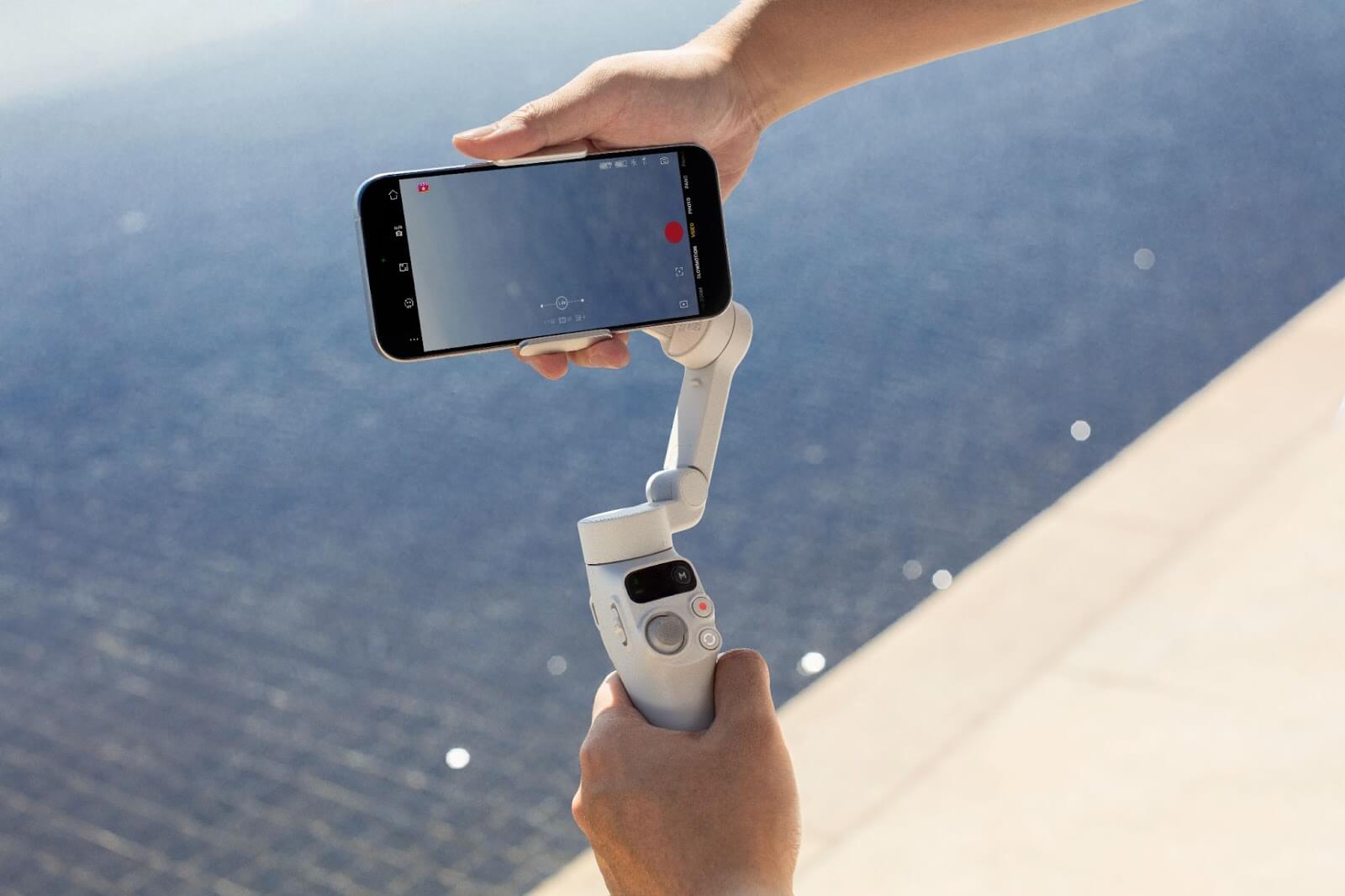
Credit: www.dji.com
Key Tips For Using A Camera Gimbal With Your Phone
- Check Balance: Always balance your phone on the gimbal before turning it on to avoid straining the motors.
- Use Gimbal App: Many gimbals come with their own app for extra features like face tracking and remote control.
- Mind the Weight: Some phones are too light or heavy for standard camera gimbals. Use counterweights if needed.
- Battery Life: Gimbal batteries can last 6–12 hours. Always charge before a long shoot.
- Avoid Wind: Strong wind can affect stabilization. Shield your gimbal when filming outdoors.
A common mistake is forcing a large phone into a small gimbal, which can damage the device. Always check your phone’s size and weight first.
Who Should Use A Gimbal For Their Phone?
- Vloggers looking for smooth travel footage.
- Content creators who want to improve video quality.
- Event videographers covering weddings or sports.
- Beginners wanting to try cinematic shots.
For a deeper technical explanation, visit Wikipedia’s gimbal article.
Using a camera gimbal with your phone is not just possible—it can be a game-changer for your videos. With the right setup and a bit of practice, you can achieve results that look professional, even on a budget.

Credit: www.youtube.com
Frequently Asked Questions
Can Any Camera Gimbal Work With My Phone?
Not all camera gimbals fit phones. Check for a phone clamp or adapter and make sure your phone fits the weight range.
Is A Phone Gimbal Better Than Built-in Stabilization?
Yes, a phone gimbal offers smoother footage than most built-in stabilization, especially during movement.
Do I Need A Special App To Use A Gimbal With My Phone?
Most gimbals have apps that unlock extra features, but basic stabilization works without them.
How Do I Avoid Wobbly Footage With A Gimbal?
Balance your phone, move smoothly, and avoid quick jerks for the best results.
Will Using A Gimbal Drain My Phone’s Battery?
The gimbal itself uses its own battery. However, using extra features or filming for long periods may drain your phone faster.