Attaching a camera to a light stand is a smart way to create flexible setups in photography or video shoots. Many beginners think you need expensive gear, but with the right accessories, you can safely mount your camera to almost any standard light stand.
Whether you want to save space, try new angles, or set up a remote shooting station, this guide will help you do it right.
Table of Contents
Choosing The Right Accessories
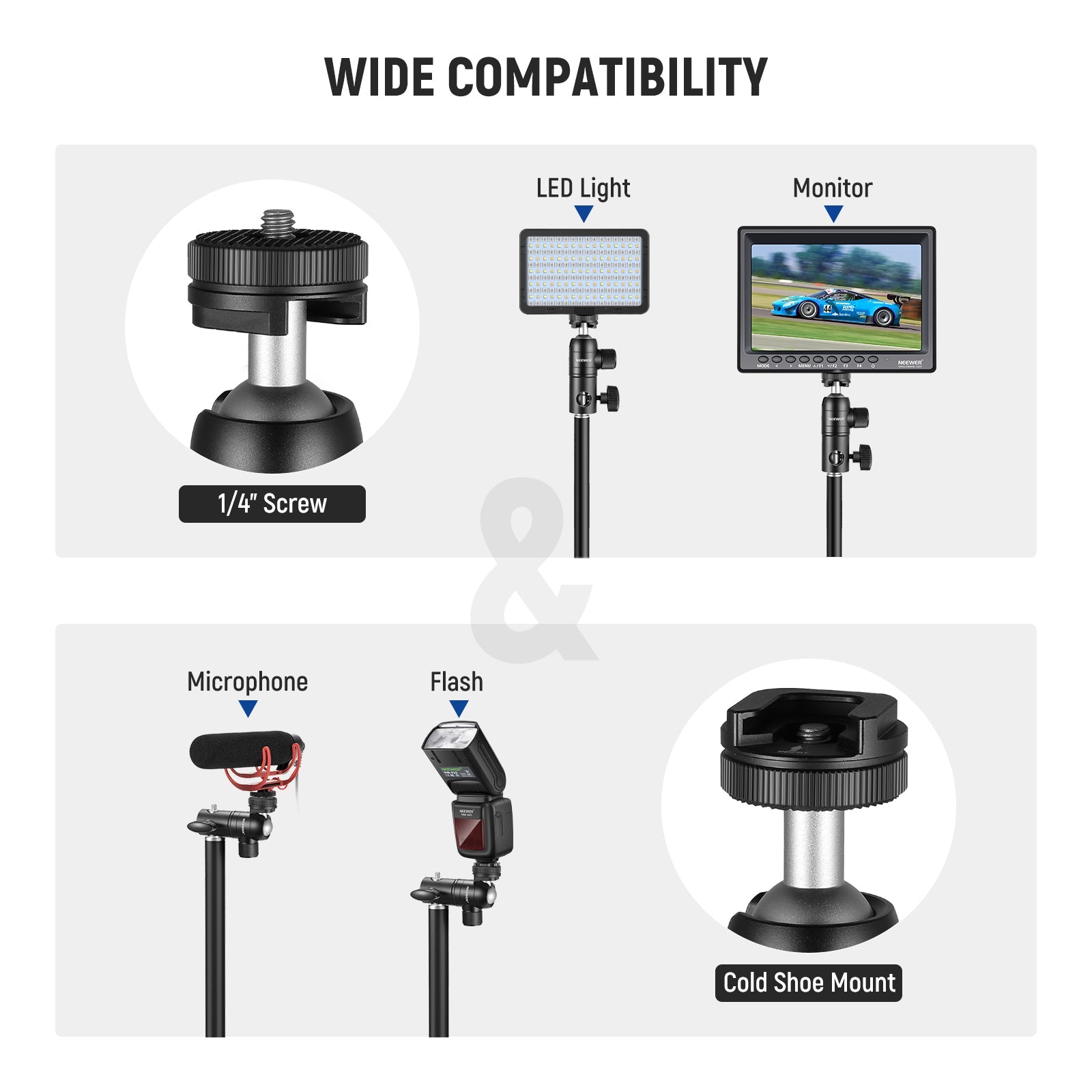
Most light stands come with a 5/8-inch spigot. Cameras, on the other hand, usually have a 1/4-inch tripod thread. To connect them, you’ll need an adapter. The most common tool is a spigot-to-tripod adapter. Some kits also include a ball head, which allows for flexible tilting.
Here’s a quick comparison of adapter types:
| Adapter Type | Features | Average Price |
|---|---|---|
| Spigot to 1/4-inch | Direct mount, simple | $8–$15 |
| Ball Head Adapter | Swivel, tilt, lock | $15–$30 |
| Quick Release Plate | Fast camera removal | $25–$40 |
For heavy cameras, use a ball head adapter with a locking mechanism. This prevents unwanted movement. Always check the weight limit of your light stand and adapter.
Step-by-step: Mounting Your Camera
- Prepare the light stand. Place it on stable ground. Spread the legs wide for balance.
- Attach the adapter. Screw the adapter onto the top spigot. Tighten until secure.
- Add a ball head (optional). If you need to adjust angles, attach a ball head.
- Mount the camera. Line up the camera’s tripod thread with the adapter. Turn gently until tight.
- Check stability. Make sure nothing wobbles. If the stand leans, adjust the legs or add a sandbag.
Here’s a simple comparison of stability options:
| Stability Option | Effectiveness | Price |
|---|---|---|
| Wide Stand Legs | Good for light cameras | Free |
| Sandbag | Excellent for heavy gear | $10–$25 |
| Weighted Stand | Best for outdoors | $35–$60 |
Credit: eu.neewer.com
Practical Tips
- Use sandbags for extra safety, especially on uneven floors.
- Avoid overtightening adapters; this can strip threads.
- If shooting outdoors, shield the stand from wind.
- For quick setups, a quick release plate saves time.
A common mistake is forgetting to secure the adapter fully. This can lead to the camera falling and getting damaged.
Frequently Asked Questions
How Do I Know If My Light Stand Can Hold My Camera?
Check the weight rating of your light stand. Most stands can handle up to 5–10 lbs, but always verify before mounting.
Can I Use A Light Stand For Video Cameras?
Yes, as long as the camera weight is within the stand’s capacity and you use the right adapter.
Are There Adapters For Smartphones?
Many phone mounts fit onto the same adapters. Look for models with a 1/4-inch thread.
What’s The Safest Way To Prevent Tipping?
Use sandbags or weights at the base. This greatly improves stability.
Where Can I Buy Reliable Adapters?
You can find quality adapters at camera stores or online. For more info, visit B&H Photo Video.
Attaching a camera to a light stand opens up creative possibilities and helps make your workspace more efficient. With the right tools and careful setup, you can shoot confidently and safely.

Credit: www.amazon.com