Action cameras capture fast moments—surfing, biking, hiking—but they quickly fill up with footage. Managing and storing all those videos can be hard, especially if you want to keep them safe and easy to find. Choosing the right camera storage solutions is key for any action camera user. If you’re just starting, you might be surprised by how fast your files grow and how important good storage is.
Table of Contents
Choosing The Right Memory Card
The first step is picking the best memory card for your camera. Most action cameras use microSD cards, but not all cards are equal.
| Type | Max Capacity | Speed Class | Best For |
|---|---|---|---|
| microSDHC | 32GB | Class 10/UHS-I | Short trips, 1080p video |
| microSDXC | 2TB | UHS-III/V30/V60 | Long trips, 4K video |
Look for UHS Speed Class U3 or Video Speed Class V30 if your camera shoots in 4K. Brands like SanDisk and Samsung are popular for reliability. Avoid cheaper, unknown cards—they may fail and ruin your footage.
Transferring And Backing Up Footage
Once your card is full, you need to move your videos somewhere safe. There are a few main ways to do this.
- Direct to Laptop or PC: Plug your memory card into your computer and copy files. It’s simple, but make sure your hard drive has enough space.
- Portable Backup Drives: Devices like the WD My Passport Wireless SSD let you back up without a computer. Just insert your card, press a button, and it copies everything.
- Cloud Storage: Services like Google Drive or Dropbox let you upload videos online. This is helpful if you travel and need instant backup, but uploads can be slow with large 4K files.
A common mistake is keeping all your footage on just one device. Always have at least two copies. For example, one on an external hard drive and one in the cloud.
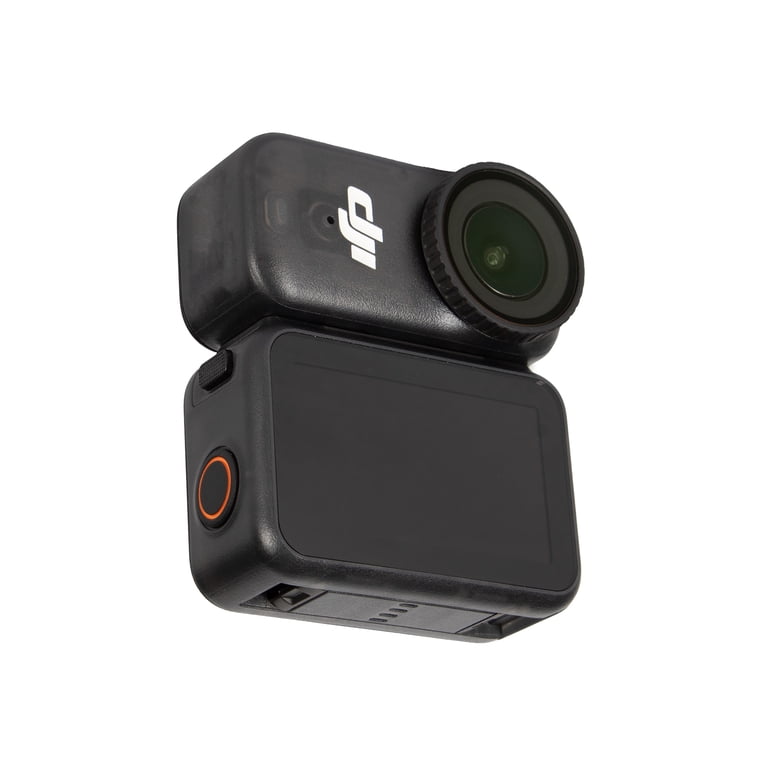
Credit: www.walmart.com
Long-term Storage Solutions
For older footage, you need reliable, long-term storage. Here’s how main options compare:
| Storage Type | Pros | Cons |
|---|---|---|
| External HDD | Large, cheap | Can break if dropped |
| External SSD | Fast, tough, smaller | More expensive |
| Network Attached Storage (NAS) | Access anywhere, backup features | Setup is harder, costs more |
SSDs are better for travel since they handle bumps well. HDDs are best for big, cheap storage at home. A NAS system works well if you want to access videos from different devices.
Organizing Your Footage
Even with lots of space, finding old clips can be hard if you don’t organize them. Use clear folder names—like “2026-06-15 Surfing Bali”—and back up after every trip. Free software like Shotwell or Apple Photos helps manage large libraries and lets you search by date or location.

Credit: www.nytimes.com
Frequently Asked Questions
What Size Memory Card Should I Use For 4k Action Camera Footage?
A 64GB or 128GB microSDXC card with U3 or V30 speed is best for 4K. This gives enough space for several hours of footage.
How Can I Back Up Footage While Traveling?
Use a portable SSD with a card reader, or upload files to cloud storage if you have good internet. Don’t keep everything on the camera.
Are Cheap Memory Cards Safe For Action Cameras?
No. They often fail and can corrupt files. Always use trusted brands with the right speed class.
How Long Do External Hard Drives Last?
Most last 3-5 years. Replace them before they fail, and keep a second backup, especially for important footage.
What’s The Best Way To Organize Action Camera Videos?
Make folders by date and activity, and use photo management software. This makes finding clips easy later.
For more details on data storage types, see this Wikipedia article on storage devices.
Storing your action camera footage well means you won’t lose memories or waste time searching for files. With the right cards, backups, and organization, your best moments stay safe and easy to relive.