Mounting a Ring outdoor camera can help you keep your home safe and allow you to monitor your property from anywhere. Many homeowners worry about installation, but the process is straightforward if you prepare well. This guide will walk you through every step, share useful tips, and highlight common mistakes to avoid.
Table of Contents
What You Need Before Mounting
Before starting, make sure you have all the necessary tools and parts. Most Ring cameras include a mounting kit, but double-check the box to be sure. You will need:
- Power drill with appropriate bits
- Screwdriver
- Ladder (for high placements)
- Pencil or marker for marking holes
- Wi-Fi connection with at least 2 Mbps upload speed
Some homes have tough materials like brick or stucco. In these cases, use the included anchors or buy masonry drill bits for easier installation.
| Surface Type | Drill Bit Needed | Anchors Required |
|---|---|---|
| Wood | Standard | No |
| Brick/Concrete | Masonry | Yes |
| Vinyl Siding | Standard | Optional |
Choosing The Best Location
Pick a spot that covers the main entry points, like front doors or driveways. The camera should be 7–10 feet high for a wide field of view but not too high, or you’ll lose detail.
Pay attention to sunlight—direct sunlight can cause glare or false alerts. Also, make sure your Wi-Fi signal is strong at the mounting spot. You can test this using your phone before drilling.
| Height | Field of View | Detail Level |
|---|---|---|
| Below 7 ft | Low | High |
| 7–10 ft | Optimal | Good |
| Above 10 ft | Wide | Poor |

Credit: www.youtube.com
Step-by-step Mounting Instructions
- Mark the holes using the mounting bracket as a guide.
- Drill pilot holes where you marked.
- Install anchors if attaching to brick or concrete.
- Screw the bracket into place.
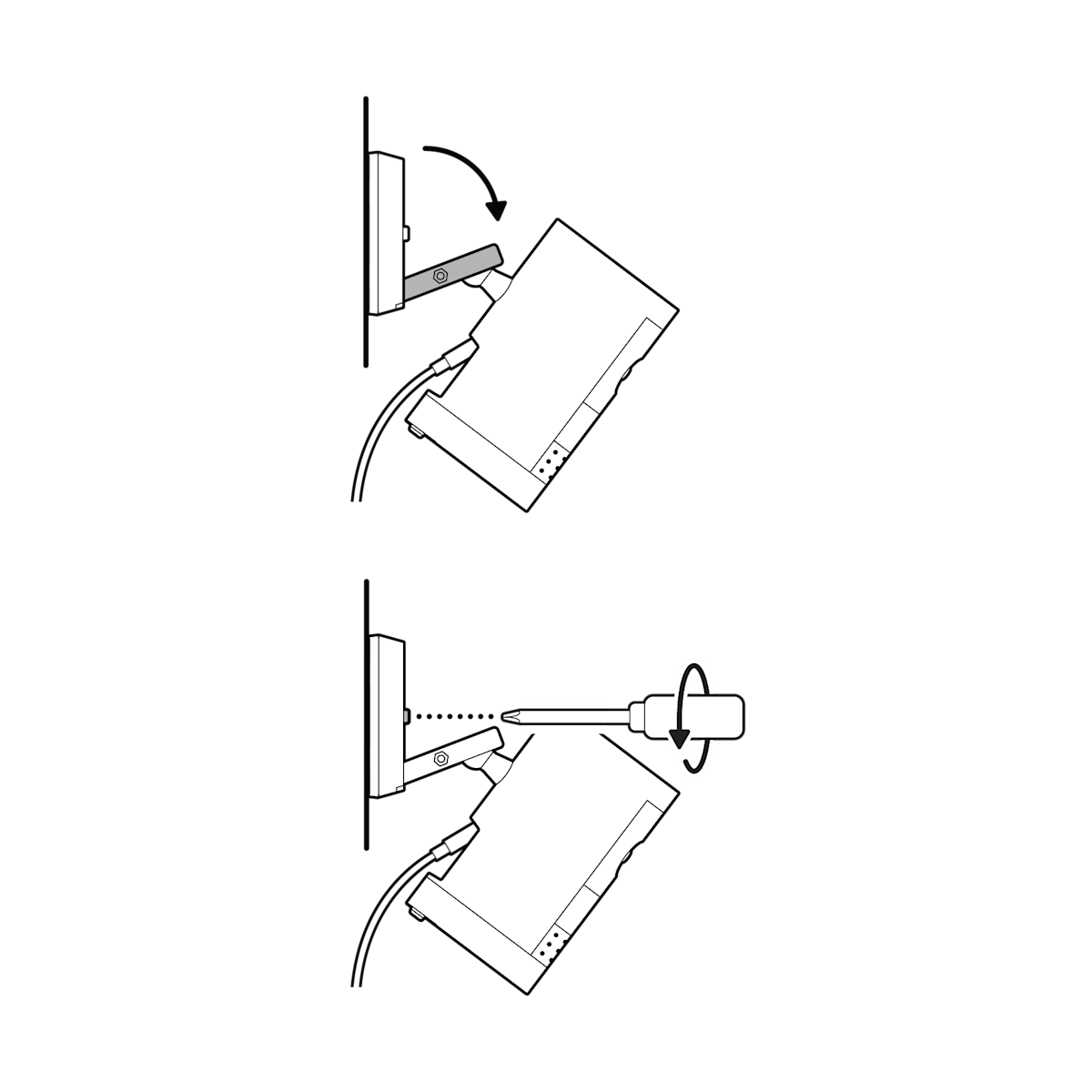
- Attach the camera to the bracket and secure it.
- Angle the camera for the best view.
- Connect to Wi-Fi using the Ring app.
Test the live feed after installation. Adjust the angle if there are blind spots or too much sky in the frame.
Two things beginners often miss: First, always check for overhead cover—installing under a roof edge helps protect your camera from rain. Second, if you use a wired model, make sure the power outlet is weatherproof or use a rated cover.
Frequently Asked Questions
How Long Does It Take To Install A Ring Outdoor Camera?
Most people finish in 20–30 minutes if all tools are ready.
Can I Mount My Ring Camera Without Drilling?
For some surfaces, you can use strong adhesive mounts, but drilling is more secure, especially outdoors.
Does The Camera Need To Be Near My Router?
Not necessarily, but a strong Wi-Fi signal is needed. Consider a Wi-Fi extender if the signal is weak.
Is It Weatherproof?
Yes, Ring outdoor cameras are rated for rain and dust. Still, mounting under an eave adds extra protection.
Where Can I Find More Installation Help?
Visit the Ring Support Center for videos and advanced tips.
Mounting your Ring outdoor camera is a simple project that gives you peace of mind. With the right preparation and careful placement, you’ll get the best results and make your home safer.
Credit: ring.com