Mounting a Blink camera is simple, but doing it right helps you get the best security and performance. Whether you want to monitor your front door, backyard, or office, proper installation matters. This guide shows you step-by-step how to mount your Blink camera, avoid common mistakes, and make sure your device works well for years.
Table of Contents
Choosing The Best Location
Picking the right spot is the most important step. Your camera should have a clear view of the area you want to monitor. It must also be within range of your Wi-Fi signal and close enough to a power source if needed.
| Location | Pros | Cons |
|---|---|---|
| Front Door | High security, easy access | May need weather protection |
| Backyard | Wide coverage, privacy | Can be far from Wi-Fi |
| Garage | Monitor vehicles | Less natural light |
Non-obvious tip: Avoid mounting the camera facing direct sunlight. Glare can make videos hard to see.
Preparing For Installation
Before you mount, gather the tools:
- Blink camera and mounting kit (usually included)
- Screwdriver or drill
- Level tool (optional, but helps alignment)
- Wi-Fi details for setup
Check your camera’s battery. A fresh battery means fewer interruptions later.
| Camera Model | Battery Life | Mount Type |
|---|---|---|
| Blink Outdoor | Up to 2 years | Wall mount |
| Blink Indoor | Up to 2 years | Wall/table mount |
| Blink Mini | Plug-in | Table/wall mount |
Beginner insight: Test your Wi-Fi strength where you plan to install. Weak signal leads to poor video quality.
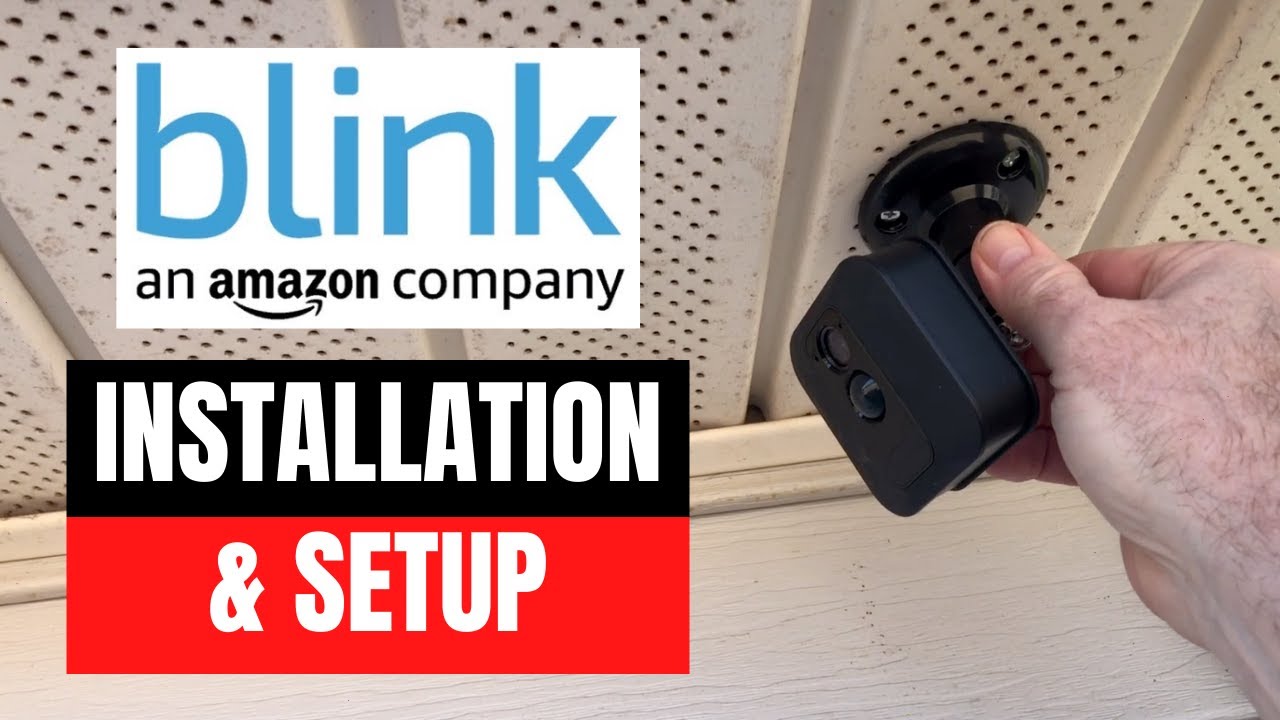
Credit: www.youtube.com
Mounting Steps
- Mark the spot: Use a pencil to mark where you want the camera.
- Attach the mount: Drill or screw the mount into the wall. Use anchors for drywall.
- Place the camera: Snap or screw the camera onto the mount.
- Adjust angle: Point the camera to cover your desired area.
- Connect and test: Link the camera to your Blink app and check the video feed.
Example: Front Door Setup
Mount the camera about 7 feet above the ground. This height lets you see faces clearly while keeping the camera safe from tampering.
Common Mistakes To Avoid
- Mounting too low makes it easy to steal.
- Ignoring Wi-Fi range causes connection drops.
- Forgetting to check the field of view can leave blind spots.
For more tips, the official Blink support guide at Blink Support offers detailed instructions.

Credit: www.amazon.com
Frequently Asked Questions
How High Should I Mount My Blink Camera?
Mount at 6–8 feet for best coverage and safety.
Do Blink Cameras Need Power Cables?
Blink Outdoor and Indoor use batteries. Blink Mini needs a power cable.
Can Blink Cameras Be Mounted Outside?
Yes, Blink Outdoor is weatherproof. Use a cover for extra protection.
How Do I Avoid Glare In Videos?
Mount the camera away from direct sunlight and shiny surfaces.
Will Mounting Affect Motion Detection?
If the camera faces busy streets or trees, you may get false alerts. Adjust the angle and sensitivity in the app.
Mounting your Blink camera well ensures reliable security and clear video. Take time to choose the best location, test Wi-Fi, and secure your mount. With these steps, your camera will help protect your property every day.